85+ Smudge Procreate Brushes
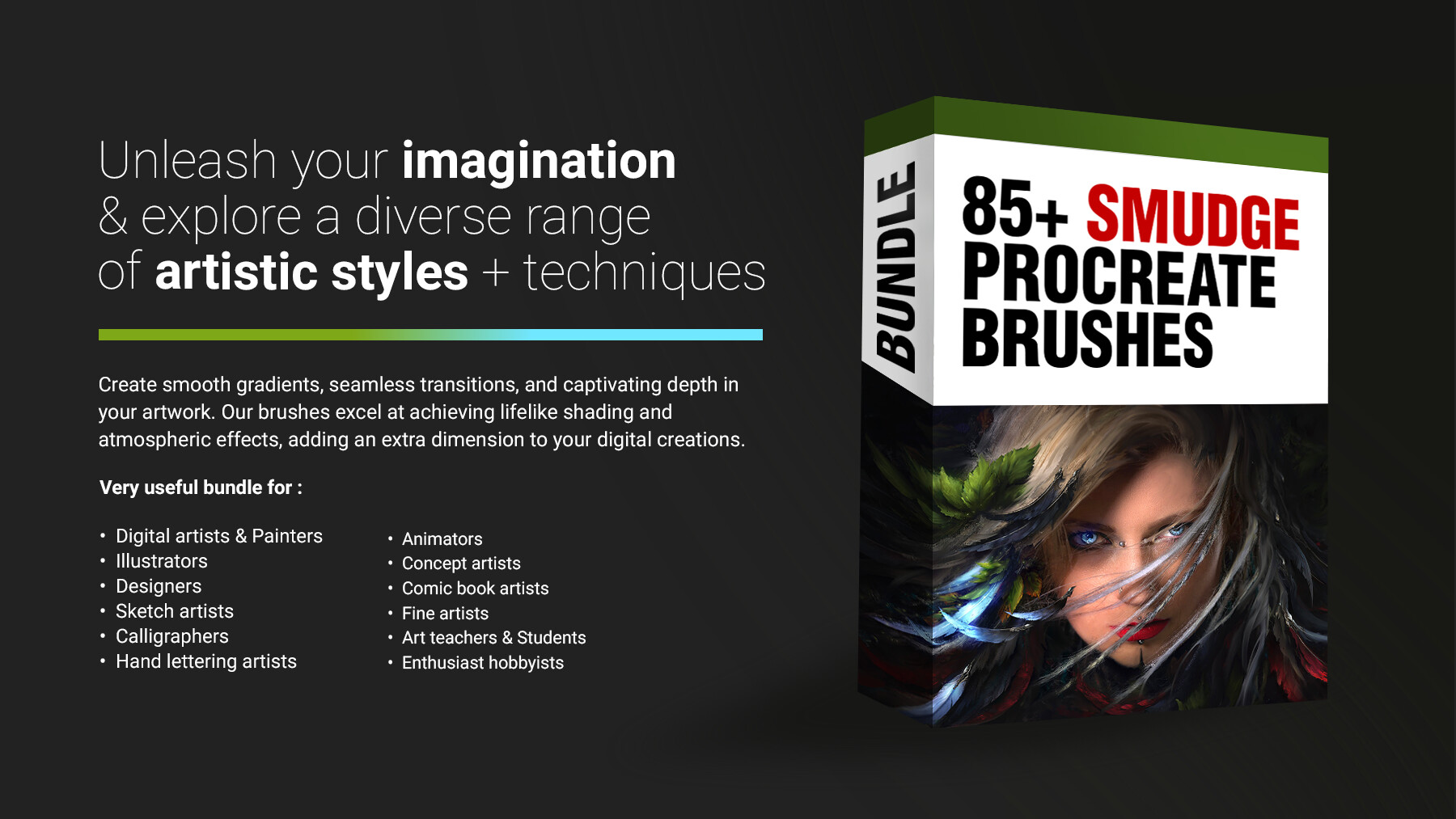
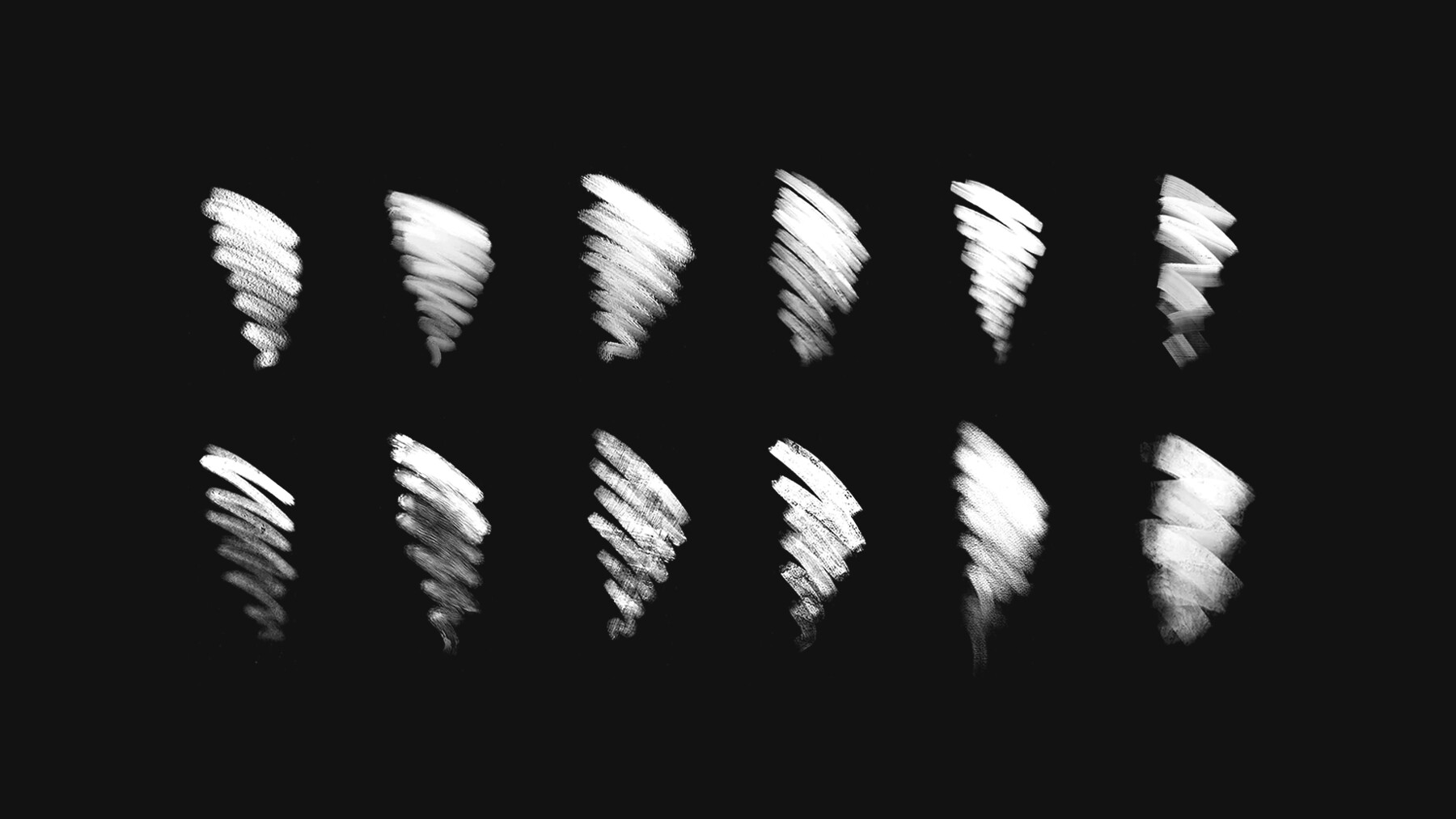


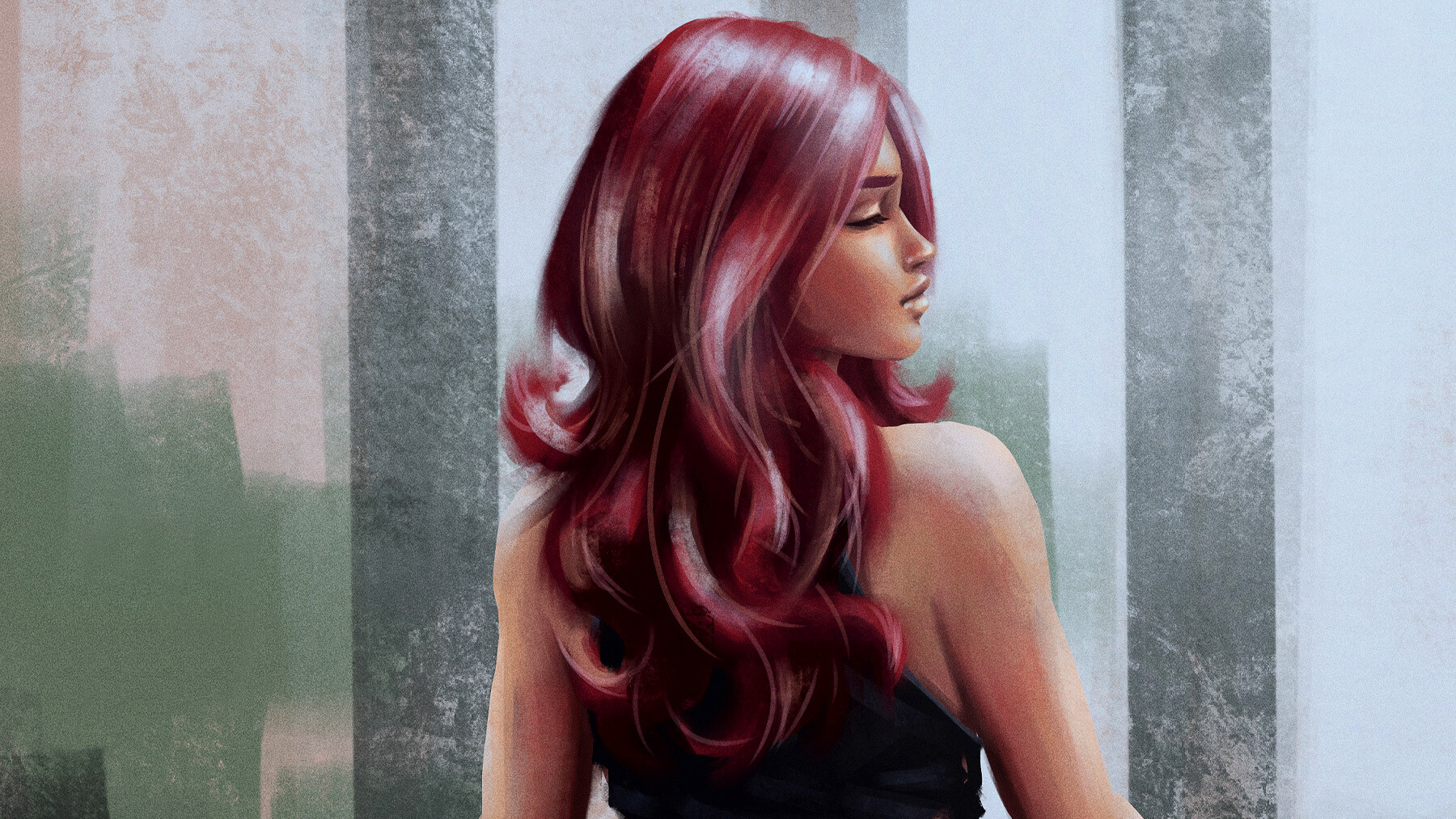
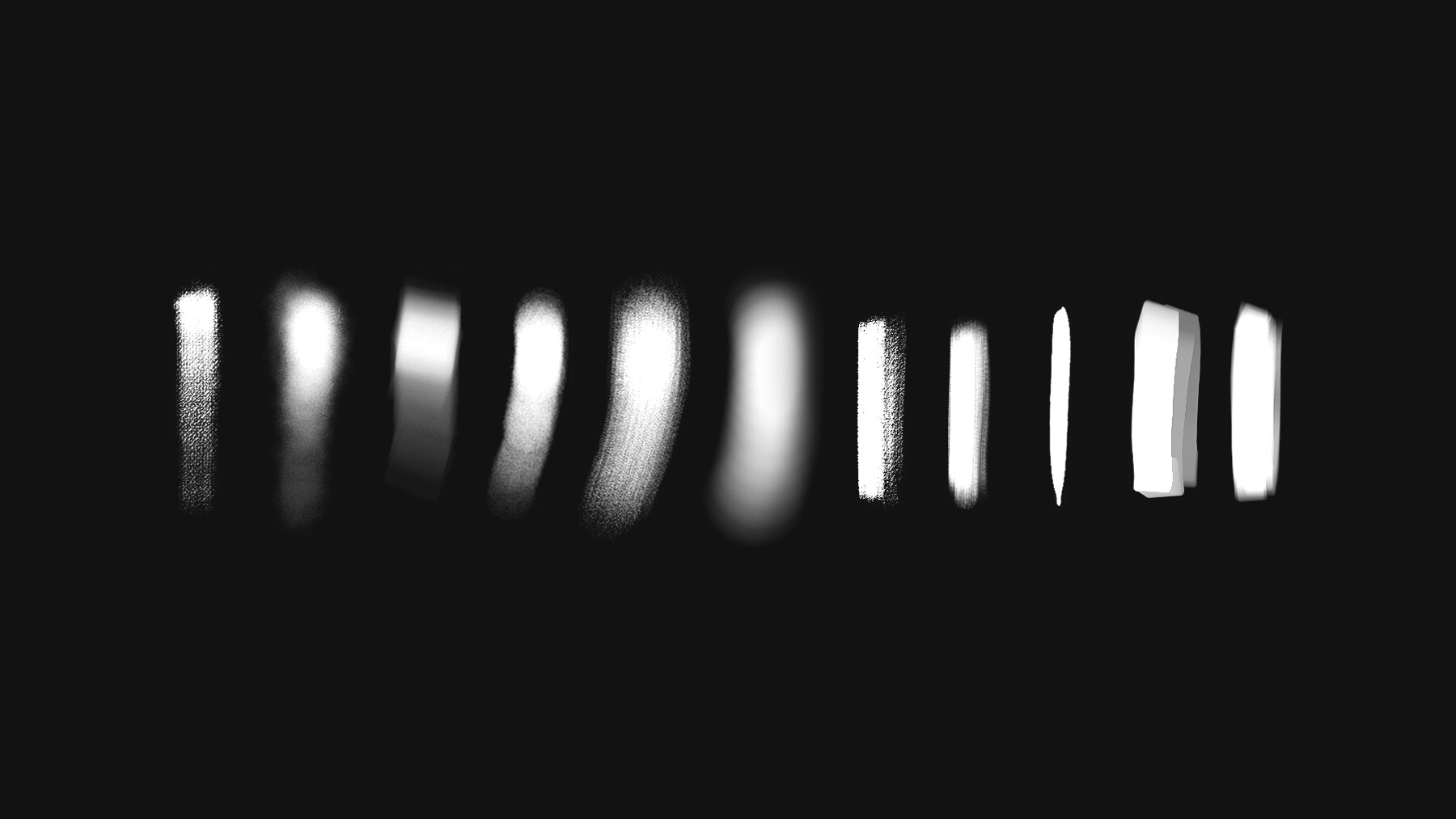
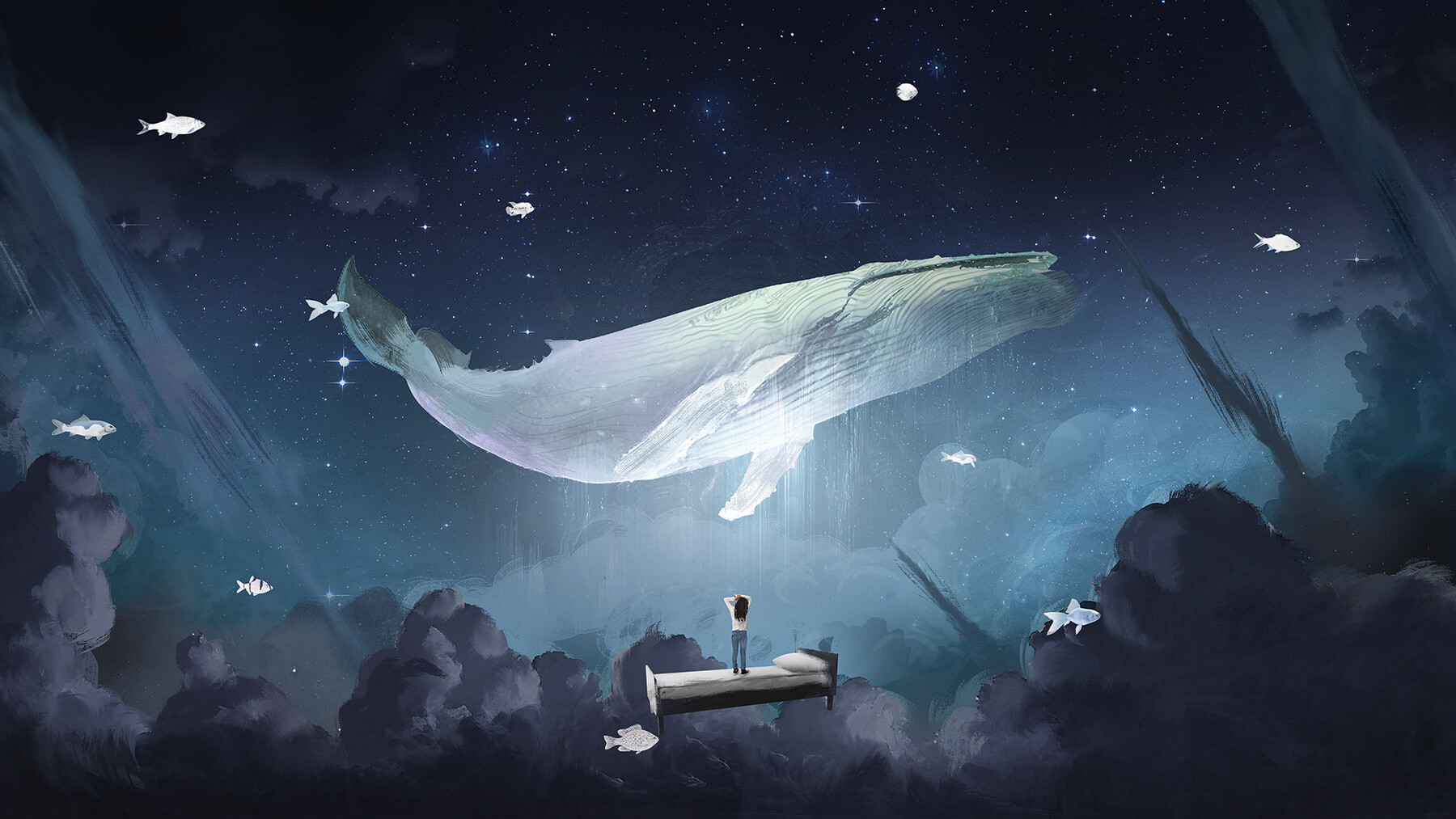
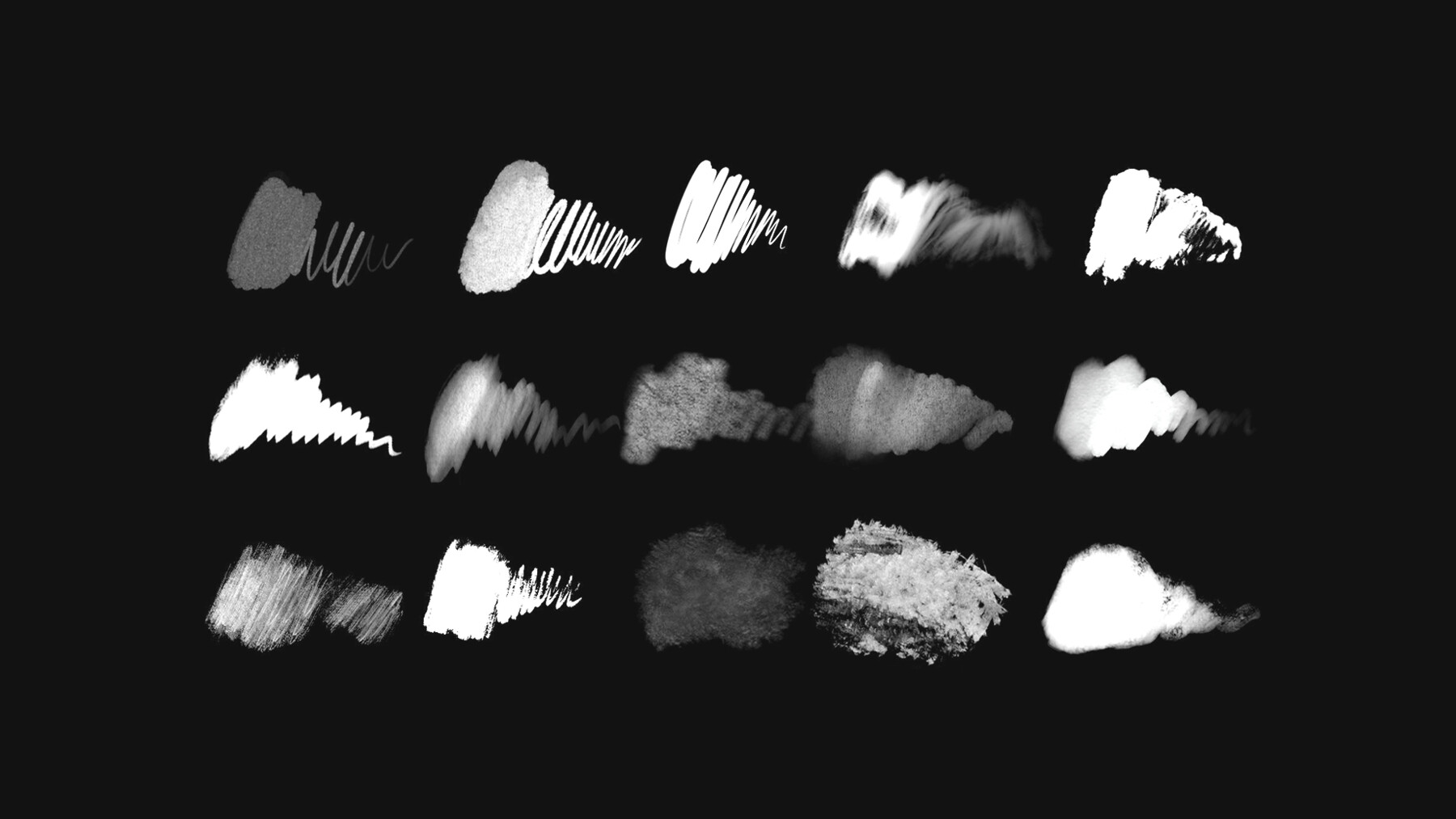

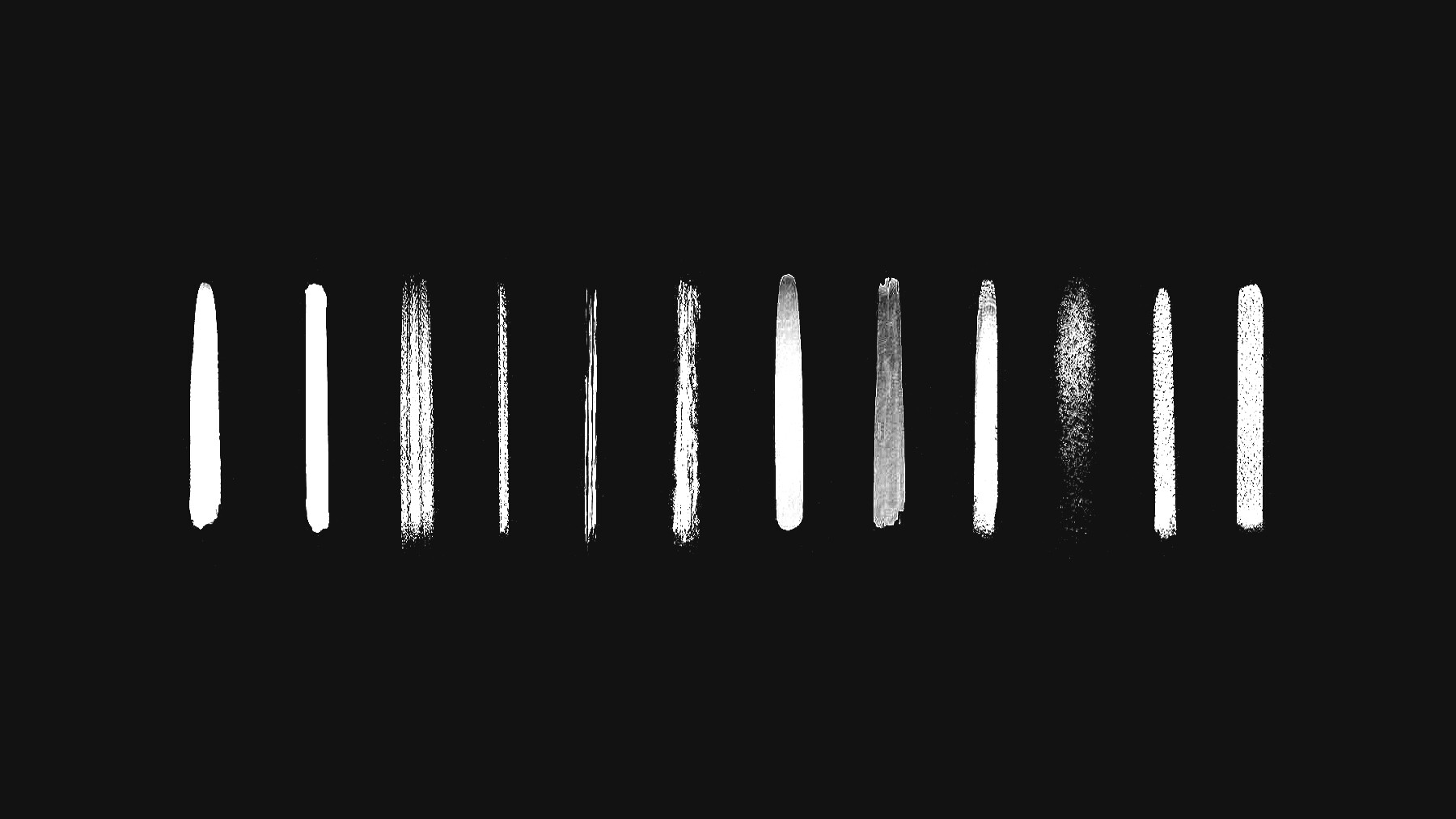

Revolutionize your digital art with Smudge Procreate Brushes! Achieve stunning smudge and blending effects on your iPad. Elevate your artwork with realism and sophistication.
Crafted to perfection, these brushes simulate traditional art mediums. Customize brush settings to match your artistic vision. Experience control over color transitions and textures, creating smooth gradients and lifelike shading.
Unlock endless possibilities in portraits, landscapes, and abstract art. Designed by artists for artists, these brushes deliver smooth strokes on any canvas. Upgrade your digital art with Smudge Procreate Brushes and leave a lasting impression. Get yours now!
Features of this set:
- Realistic Simulation: The Smudge Procreate Brushes are meticulously designed to replicate the look and feel of traditional art mediums like charcoal, pastels, and paint. This realistic simulation allows you to achieve professional-level results directly on your iPad.
- Diverse Brush Collection: This collection offers a wide range of smudge brushes with unique textures, styles, and blending properties. From soft and subtle blending brushes to more robust options, you have access to a variety of brushes to suit your artistic vision and desired effect.
- Customizable Settings: Each brush in the Smudge Procreate Brushes collection can be easily customized to meet your specific needs. Adjust brush size, opacity, flow, and blending modes to achieve the perfect smudging effect. This level of control ensures that your artwork reflects your artistic style and vision.
- Seamless Transitions and Textures: These brushes excel at creating smooth gradients, seamless color transitions, and subtle variations in hue. This feature allows you to achieve lifelike shading, atmospheric effects, and captivating depth in your digital artwork, enhancing its realism and visual appeal.
- Versatile Applications: Smudge Procreate Brushes are not limited to a specific style or genre. They are suitable for a wide range of artistic applications, including portraits, landscapes, still life, concept art, and abstract creations. Whether you're aiming for highly detailed and realistic pieces or exploring more experimental and imaginative styles, these brushes provide the tools you need to bring your ideas to life.
Overall, the Smudge Procreate Brushes stand out with their realistic simulation, diverse brush collection, customizable settings, seamless transitions and textures, and versatile applications. These unique features make them an essential asset for digital artists looking to elevate their artwork and explore new creative possibilities.
How to install your premium Procreate brush sets:
- Download a selection of different brushes from Dioeye Store. Custom brushes are often available in the form of a .brush or .brushset file.
- Open Procreate and go to the Actions menu, located in the top-right corner of the screen.
- Tap on the "Import" option.
- Select the brush set file you just downloaded.
- The brush set will be imported into Procreate and will be available for use in the Brushes panel.
- To access the newly imported brushes, tap on the Brushes panel, located in the top-right corner of the screen.
- Tap on the brush set you just imported and select the brush you want to use.
Here is some related Products:
- 565+ Watercolor Procreate Brushes
- 60+ Crayon, Chalk, Pastel, Oil Procreate Brushes
- 200+ Graffiti Spray, Street Art Procreate Brushes
- 1025+ Geometry and Pattern Procreate Brushes
- 485+ Ink, Calligraphy & Marker Pen Procreate Brushes
- 950+ Textures Procreate Brushes
- 423+ Oil Paint Procreate Brushes
If you still have questions, just send me a message to dioeye@gmail.com and I’m happy to help.