950+ Textures Procreate Brushes

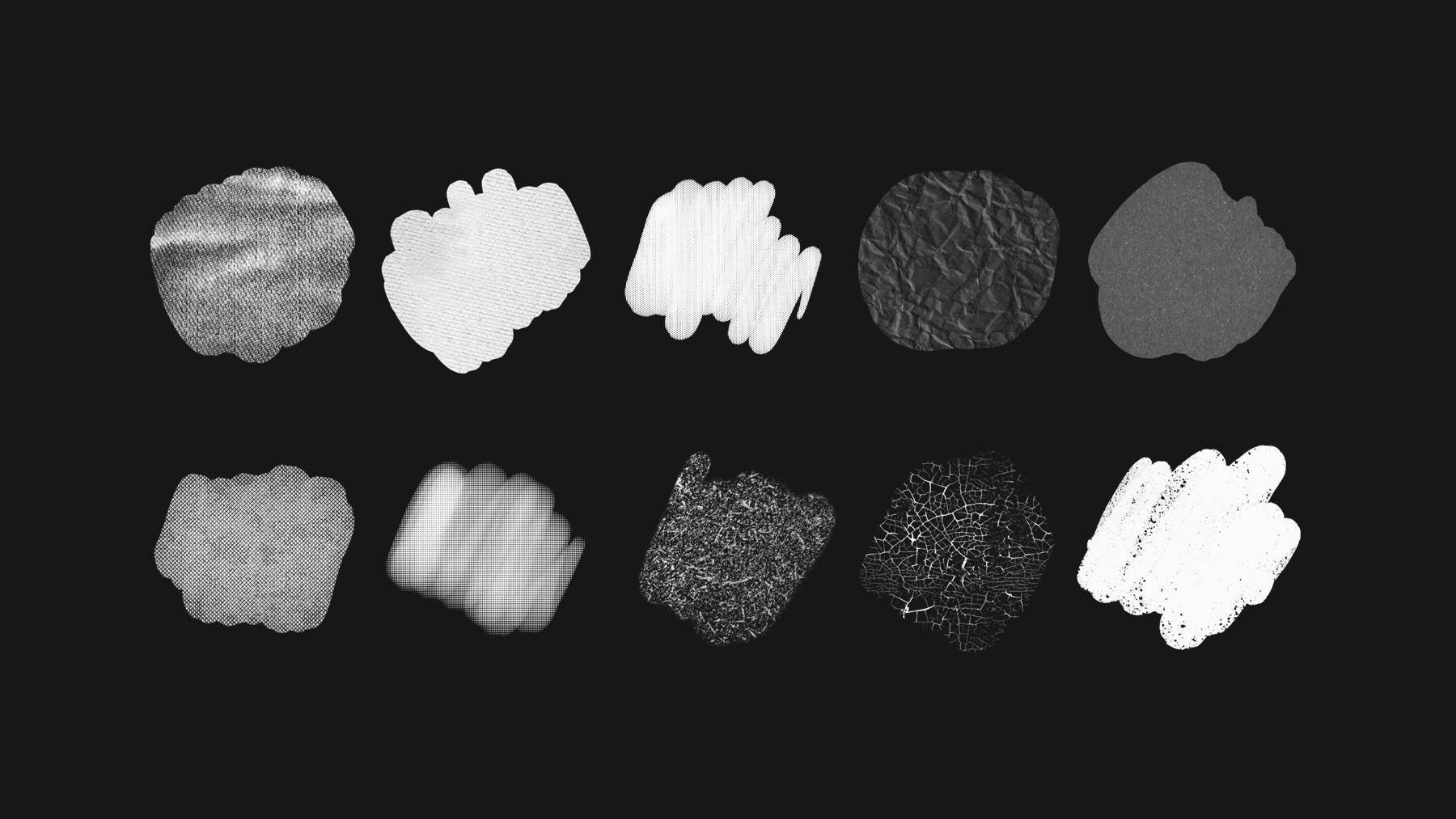
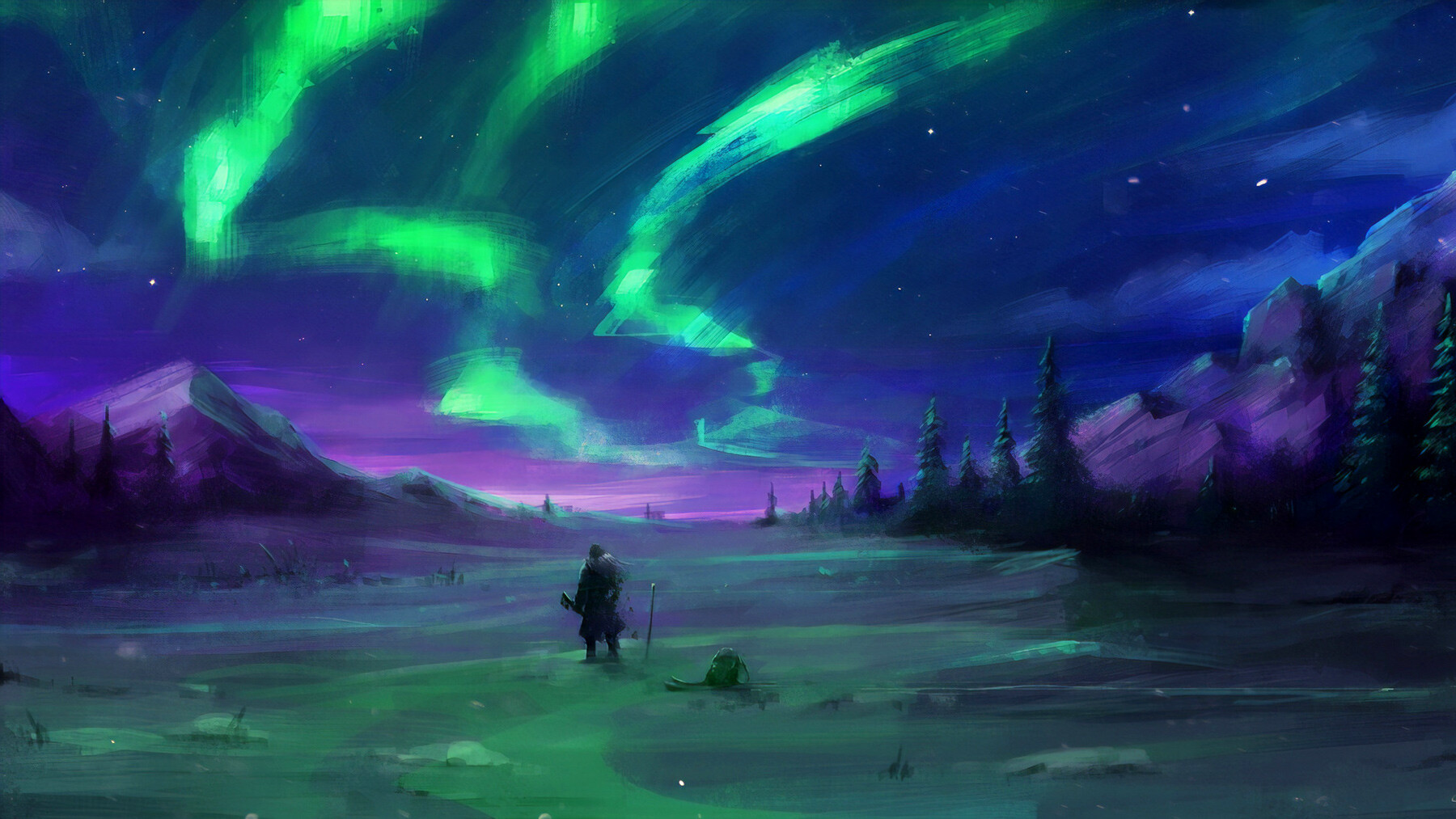


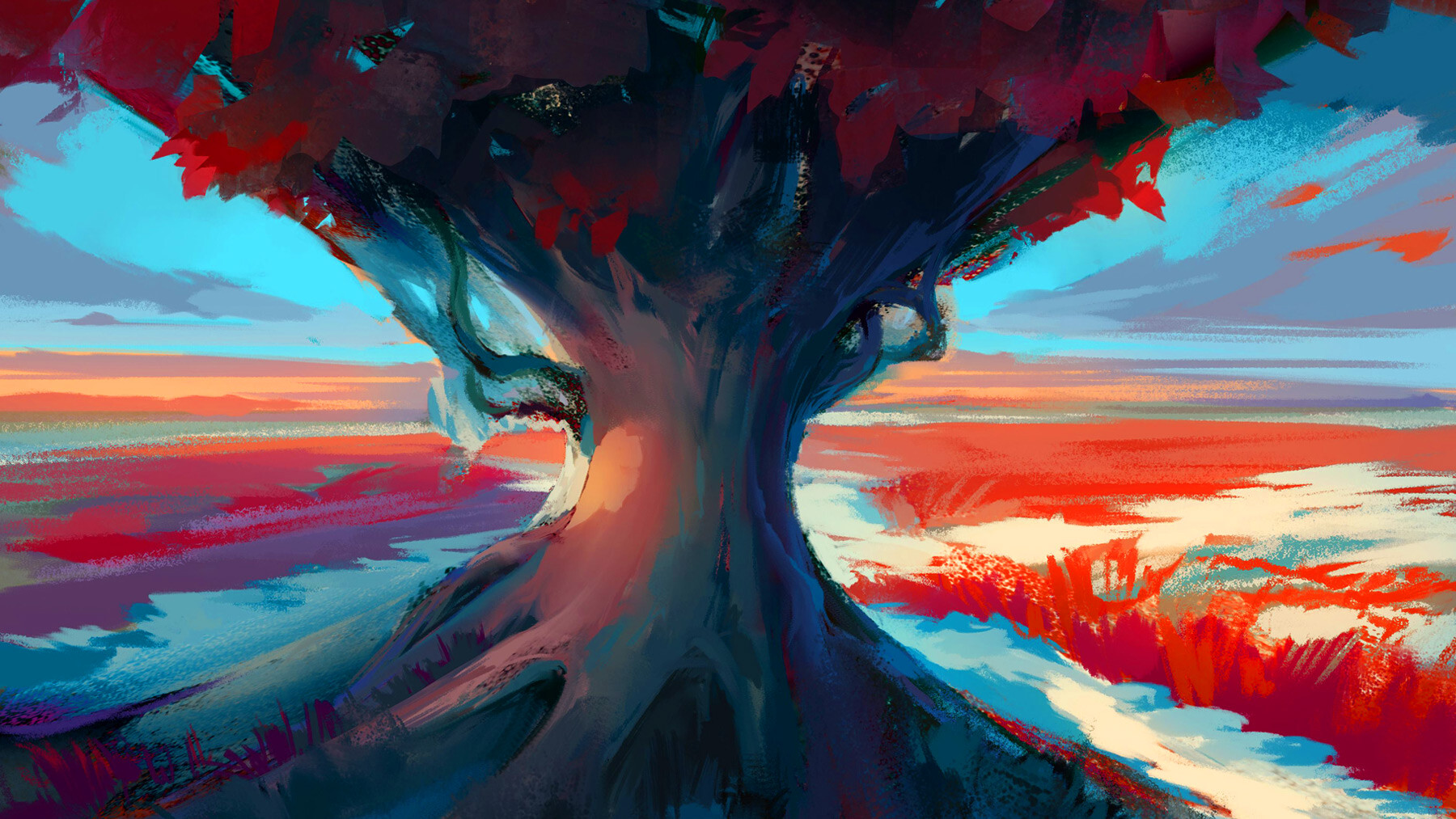
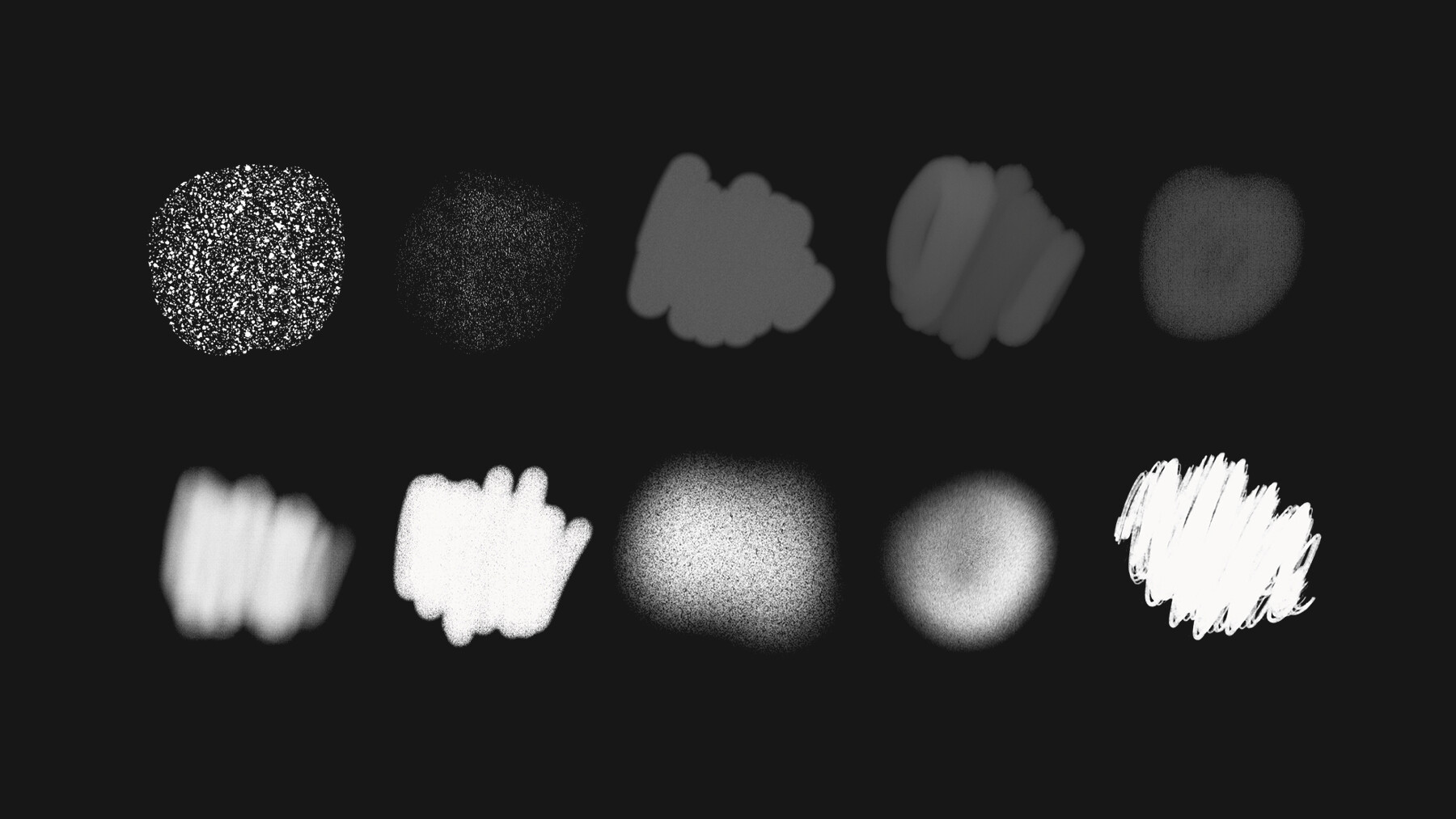


The Procreate Texture brushes are a versatile and essential tool for artists looking to add texture, depth, and dimension to their digital artwork. Whether you are a professional graphic designer, illustrator, or simply someone who enjoys creating art as a hobby, these brushes are a must-have for anyone who wants to bring their digital artwork to the next level.
Available in a wide range of styles and textures, the Procreate Texture brushes offer an abundance of options for creating stunning pieces. From smooth and polished surfaces to rough and organic textures, these brushes allow you to bring your artwork to life with ease. Additionally, the brushes are highly customizable, with adjustable size, opacity, and pressure sensitivity, giving you complete control over the look and feel of your artwork.
These brushes are perfect for a variety of projects, including illustrations, graphic designs, digital paintings, and more. Whether you are working on a project for a client or simply creating a piece for personal enjoyment, the Procreate Texture brushes provide you with the tools you need to create truly unique and eye-catching pieces.
In conclusion, the Procreate Texture brushes are a must-have for any artist looking to add texture, depth, and dimension to their digital artwork. With a wide range of styles and textures, and customizable features, these brushes provide you with the power to create stunning and textured pieces with ease. So, whether you're a professional artist or simply someone who loves to create, be sure to get your hands on these impressive and powerful brushes today!
Features of this set:
- High-Quality Textures: The Procreate Texture brushes are designed to provide artists with high-quality textures that are realistic and visually stunning. The brushes are made using advanced algorithms, ensuring that the textures they produce are accurate and true to life.
- Customizable Settings: The Procreate Texture brushes offer adjustable settings, such as size, opacity, and pressure sensitivity, allowing artists to fully customize the look and feel of their artwork. This means that artists can create truly unique pieces that reflect their own personal style.
- Compatible with Latest Procreate Version: These brushes are designed to be compatible with the latest version of Procreate, ensuring that artists can take advantage of the latest features and tools to bring their artwork to life.
- Wide Range of Styles and Textures: The Procreate Texture brushes come in a wide range of styles and textures, from smooth and polished surfaces to rough and organic textures. This variety of brushes allows artists to choose the right brush for their specific needs and gives them the ability to create a wide range of textures and styles in their digital artwork.
- Professional Quality: These brushes are designed to be used by professional artists, graphic designers, and illustrators, ensuring that they are of the highest quality and able to produce stunning, professional-level artwork. Whether you're working on a project for a client or simply creating a piece for personal enjoyment, the Procreate Texture brushes provide you with the tools you need to create truly impressive and unique pieces.
How to install your premium Procreate brush sets:
- Download a selection of different brushes from Dioeye Store. Custom brushes are often available in the form of a .brush or .brushset file.
- Open Procreate and go to the Actions menu, located in the top-right corner of the screen.
- Tap on the "Import" option.
- Select the brush set file you just downloaded.
- The brush set will be imported into Procreate and will be available for use in the Brushes panel.
- To access the newly imported brushes, tap on the Brushes panel, located in the top-right corner of the screen.
- Tap on the brush set you just imported and select the brush you want to use.
Here is some related Products:
- 565+ Watercolor Procreate Brushes
- 60+ Crayon, Chalk, Pastel, Oil Procreate Brushes
- 200+ Graffiti Spray, Street Art Procreate Brushes
- 1025+ Geometry and Pattern Procreate Brushes
- 485+ Ink, Calligraphy & Marker Pen Procreate Brushes
- 423+ Oil Paint Procreate Brushes
- 250+ Charcoal Pencil Procreate Brushes
If you still have questions, just send me a message to dioeye@gmail.com and I’m happy to help.