140+ Lights, Flares & Fireworks Procreate Brushes
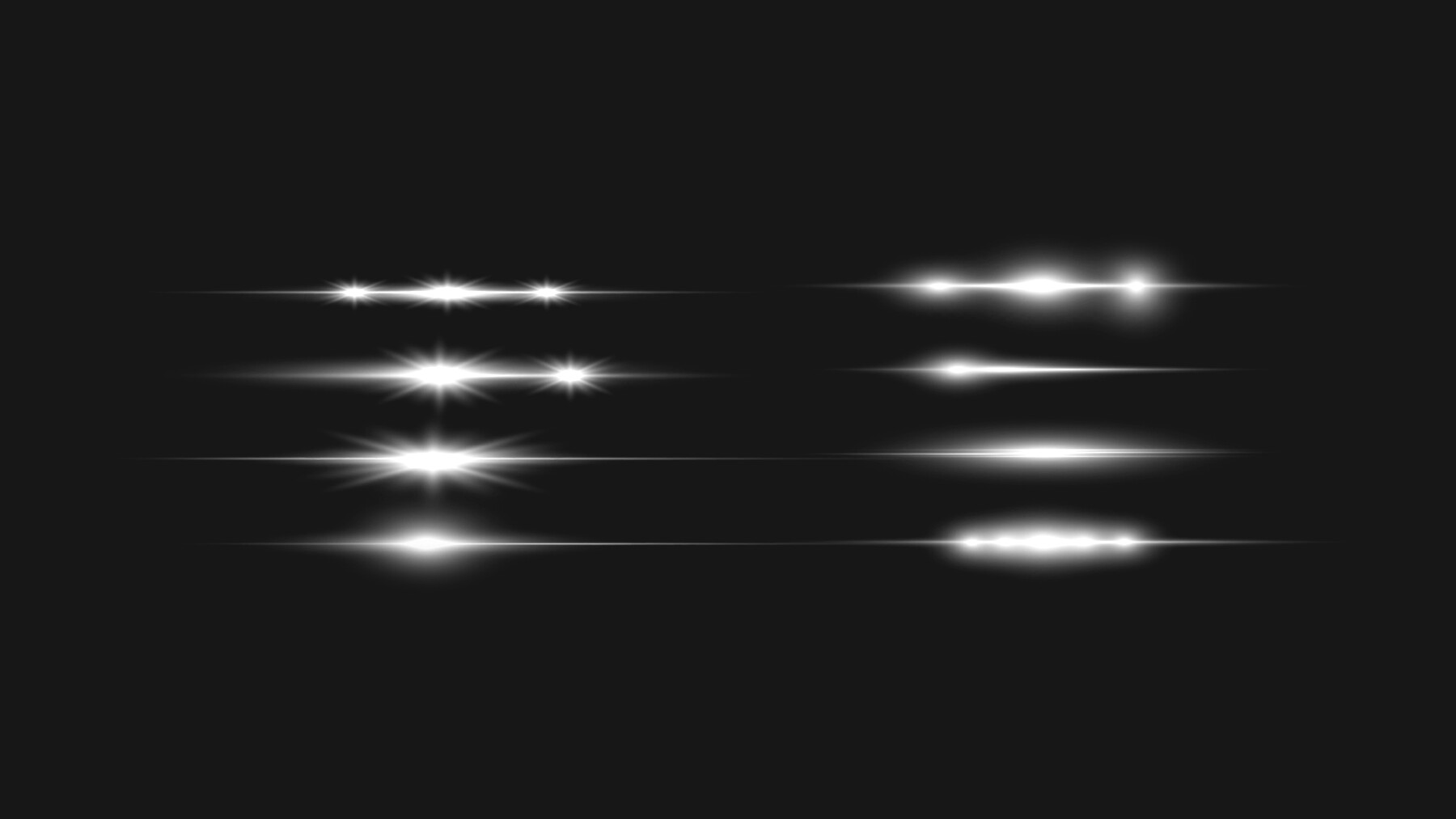
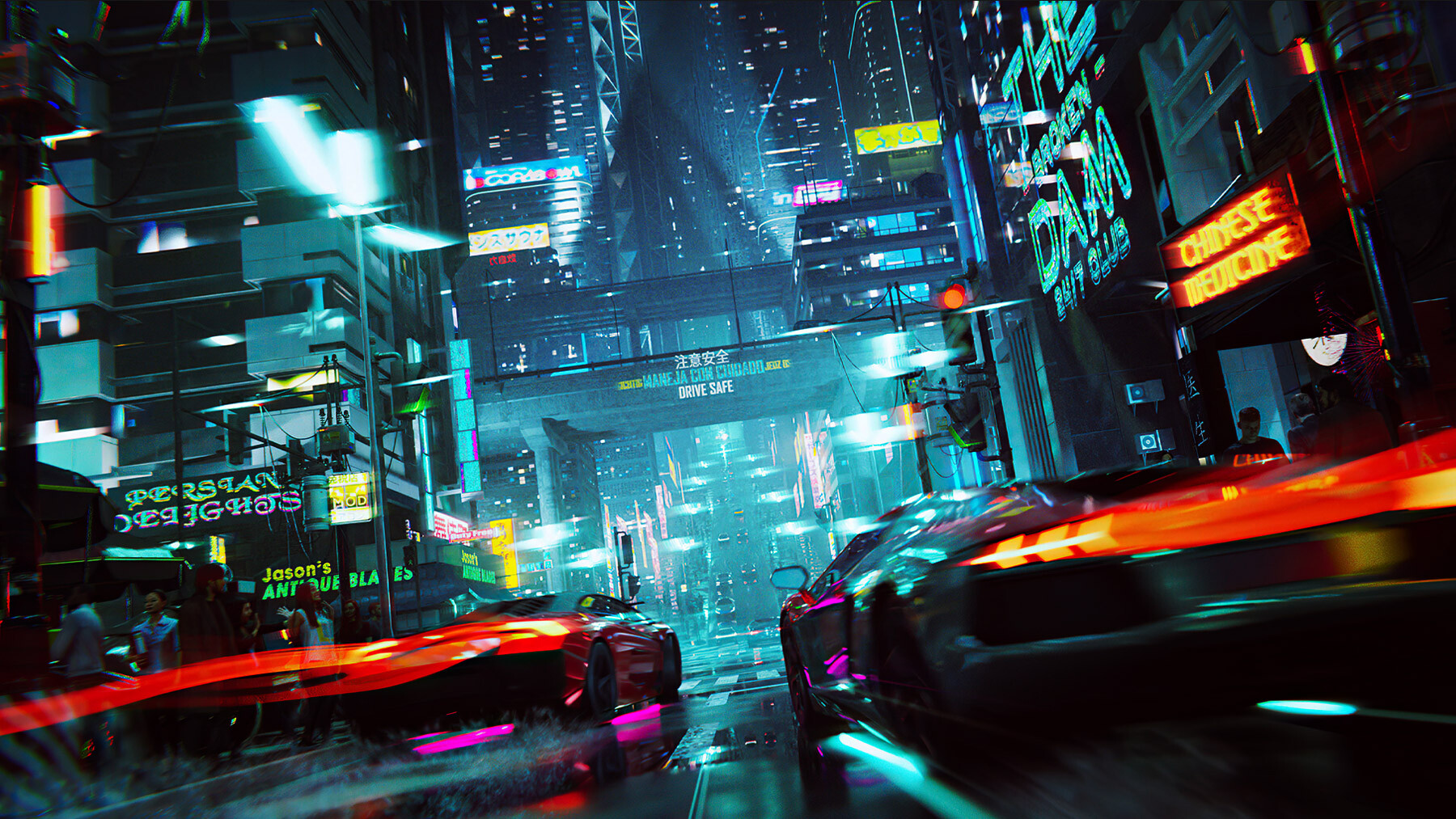
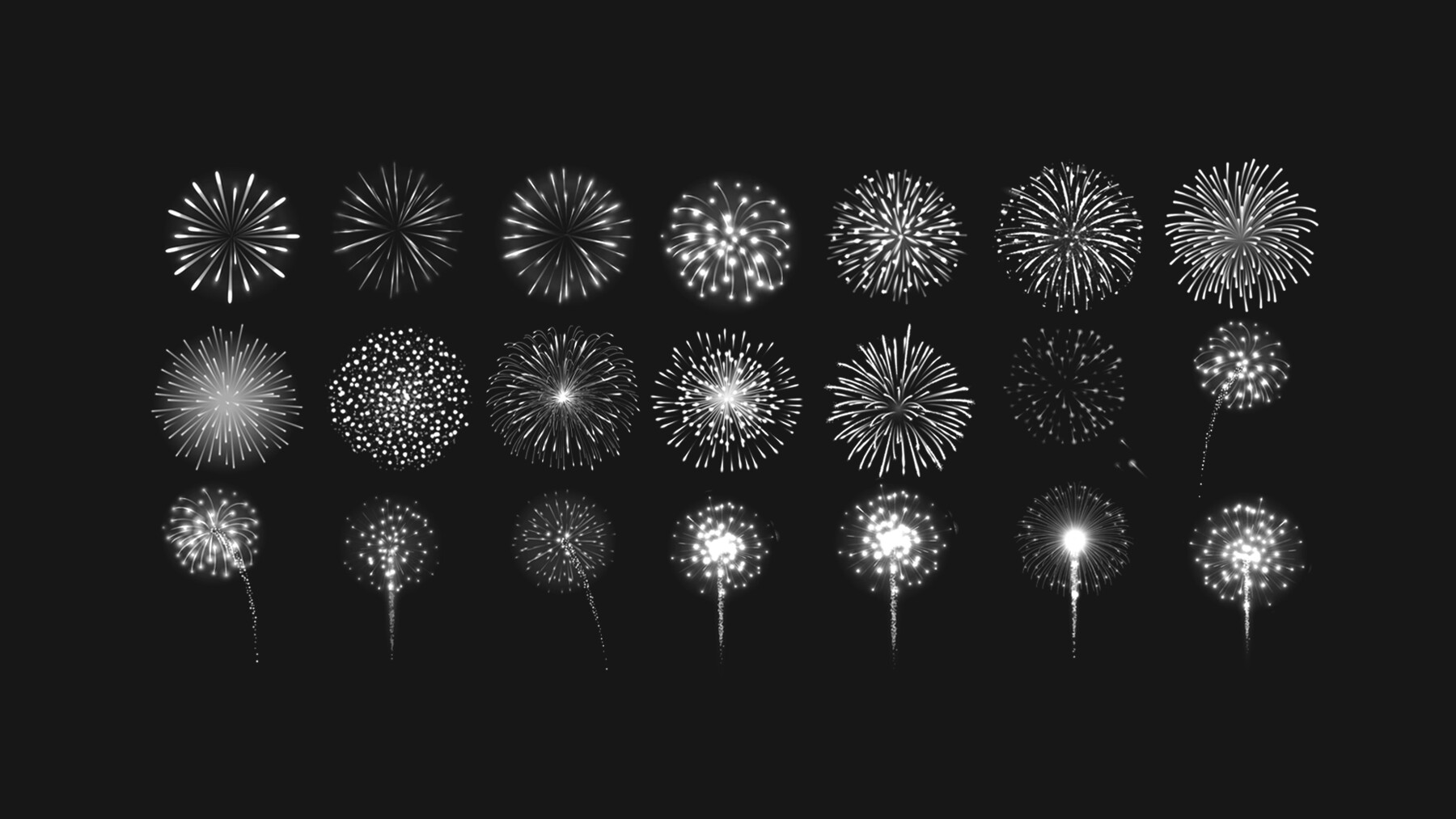
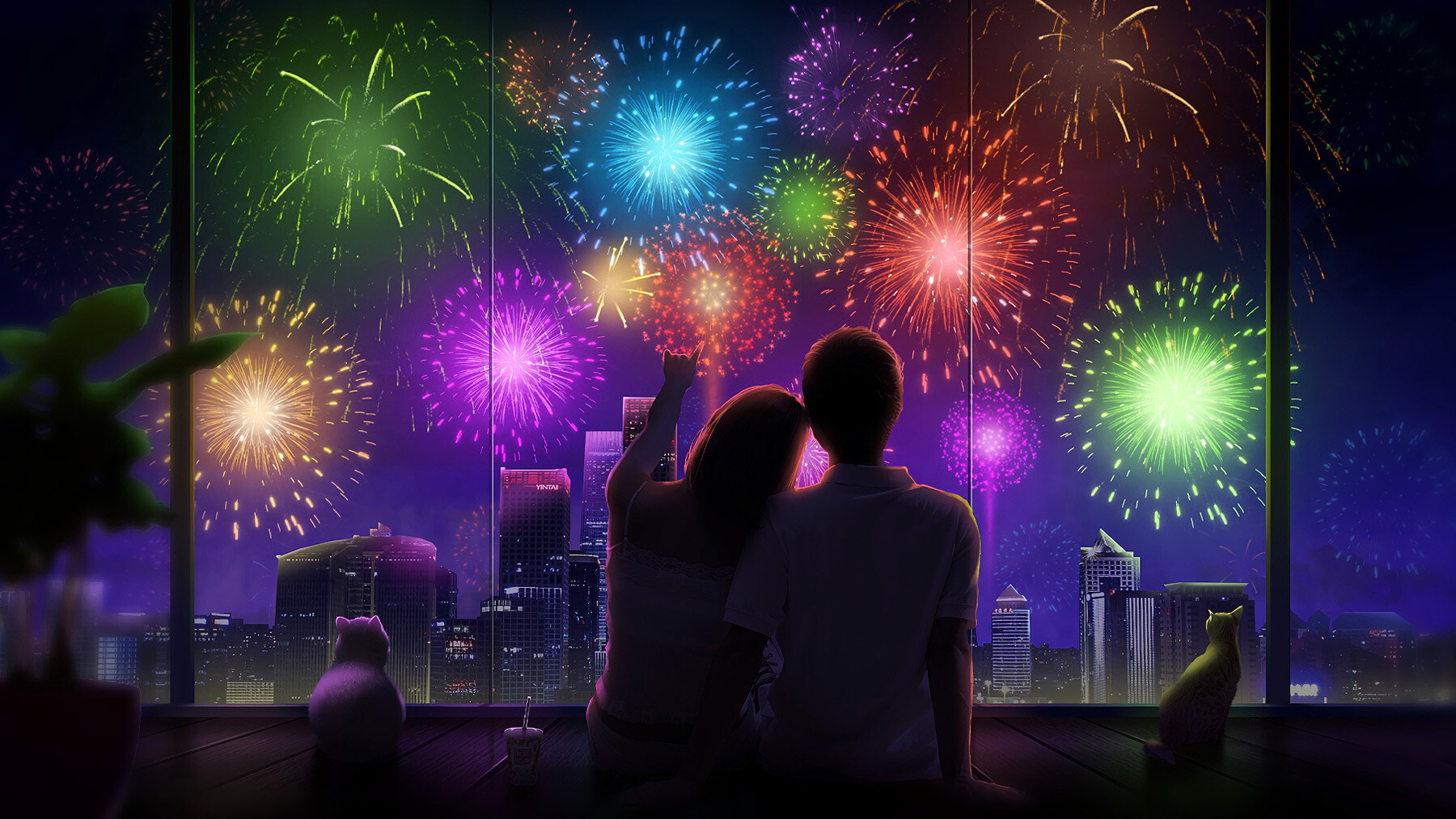
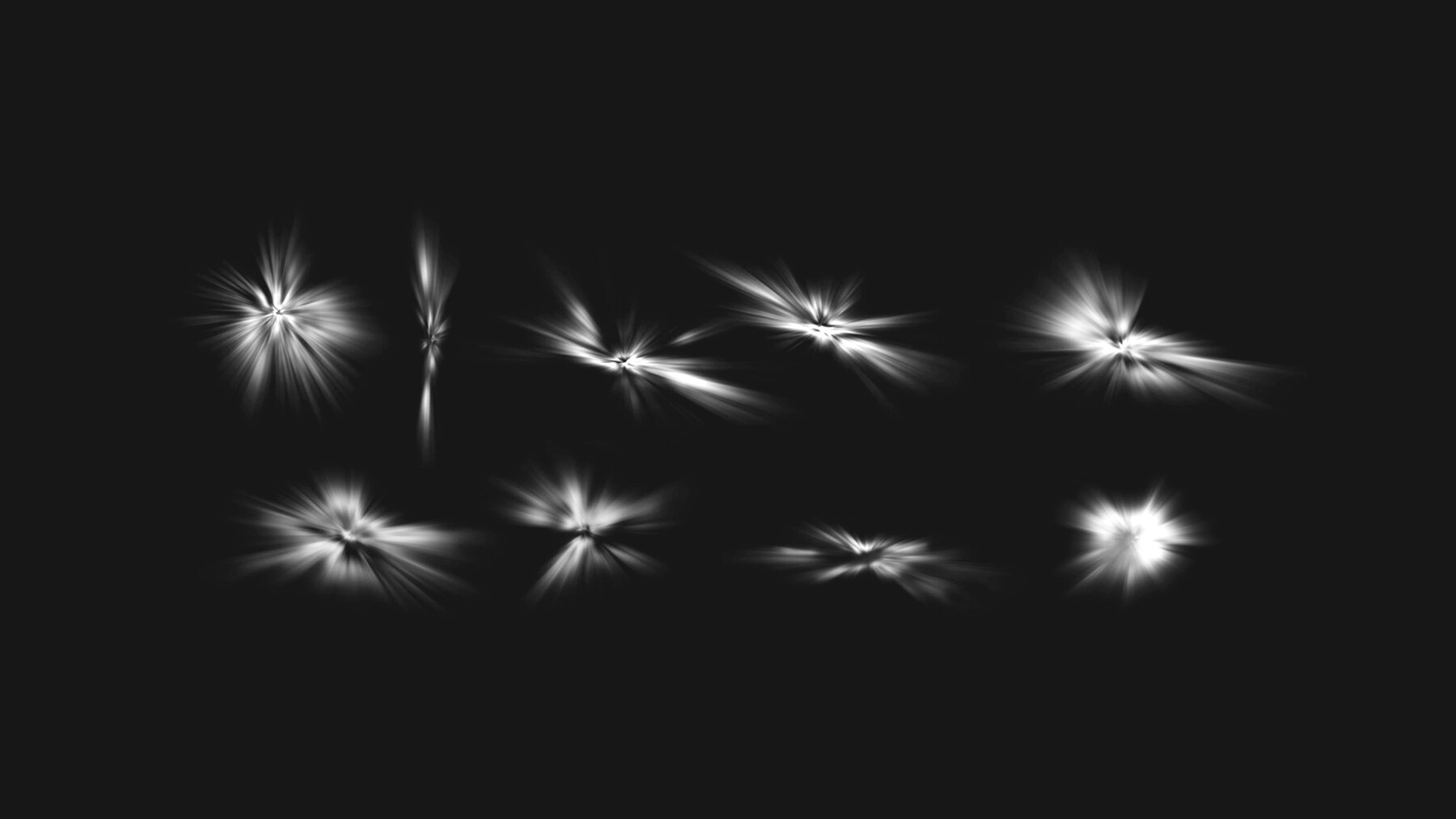

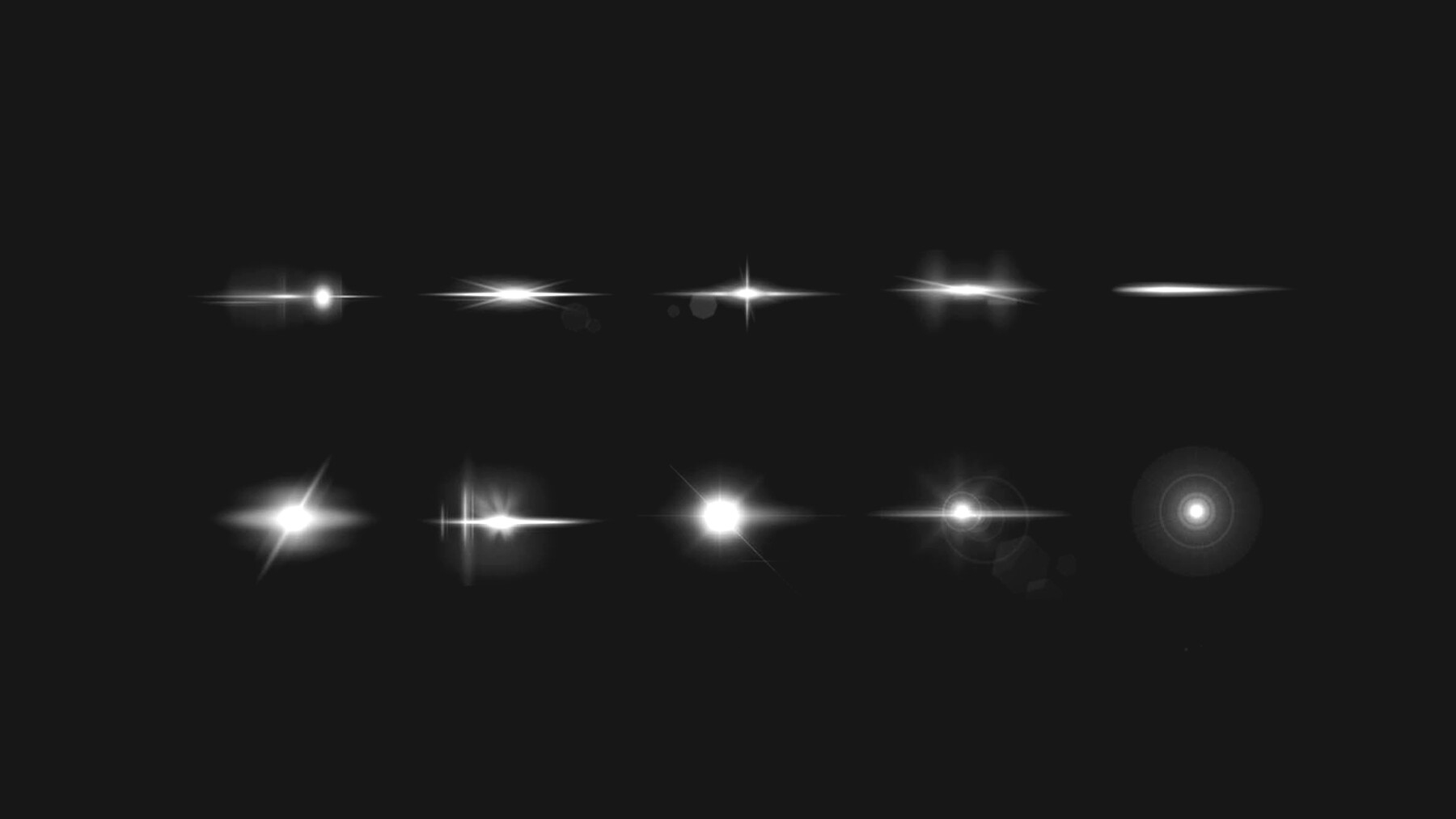
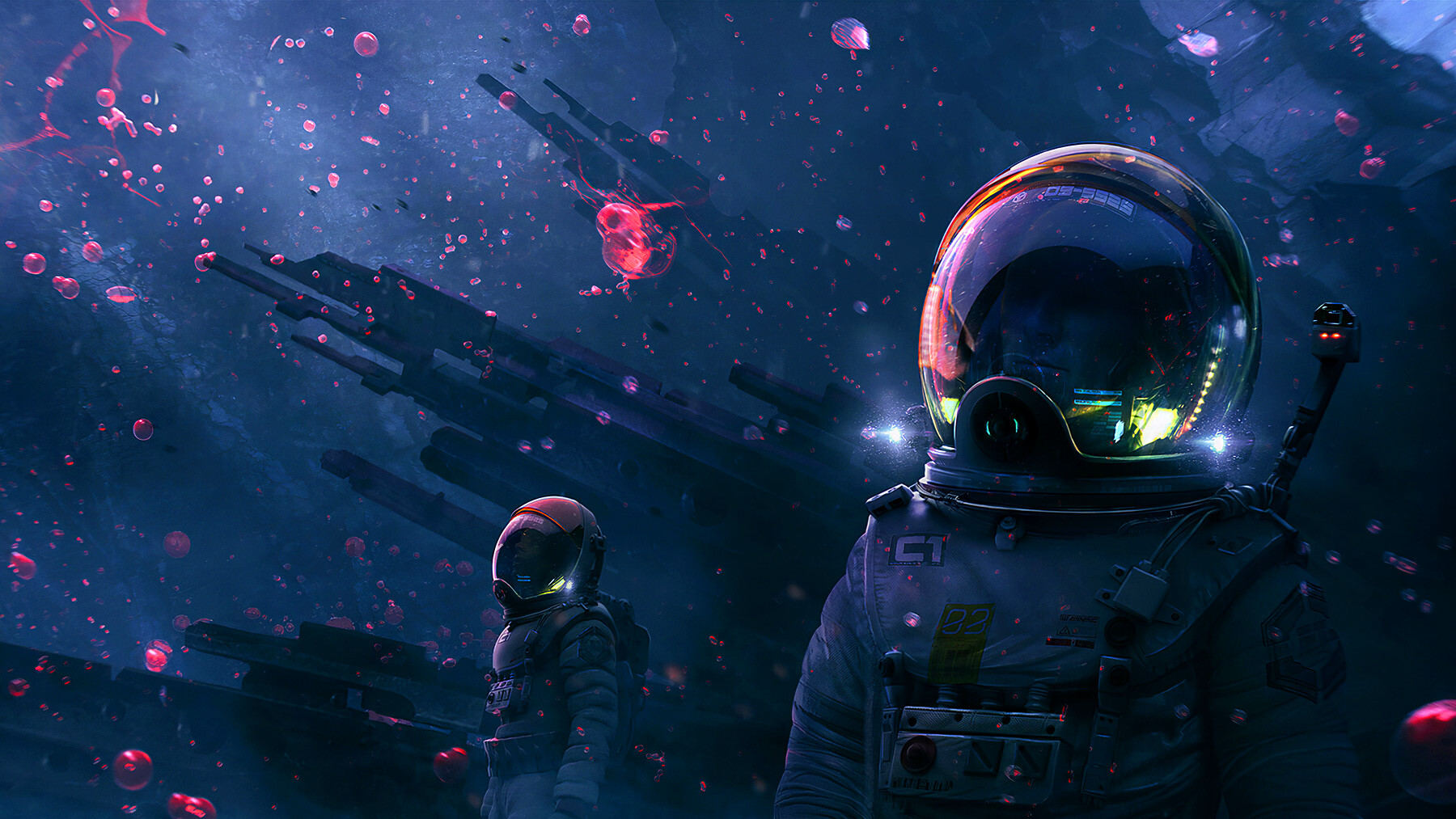

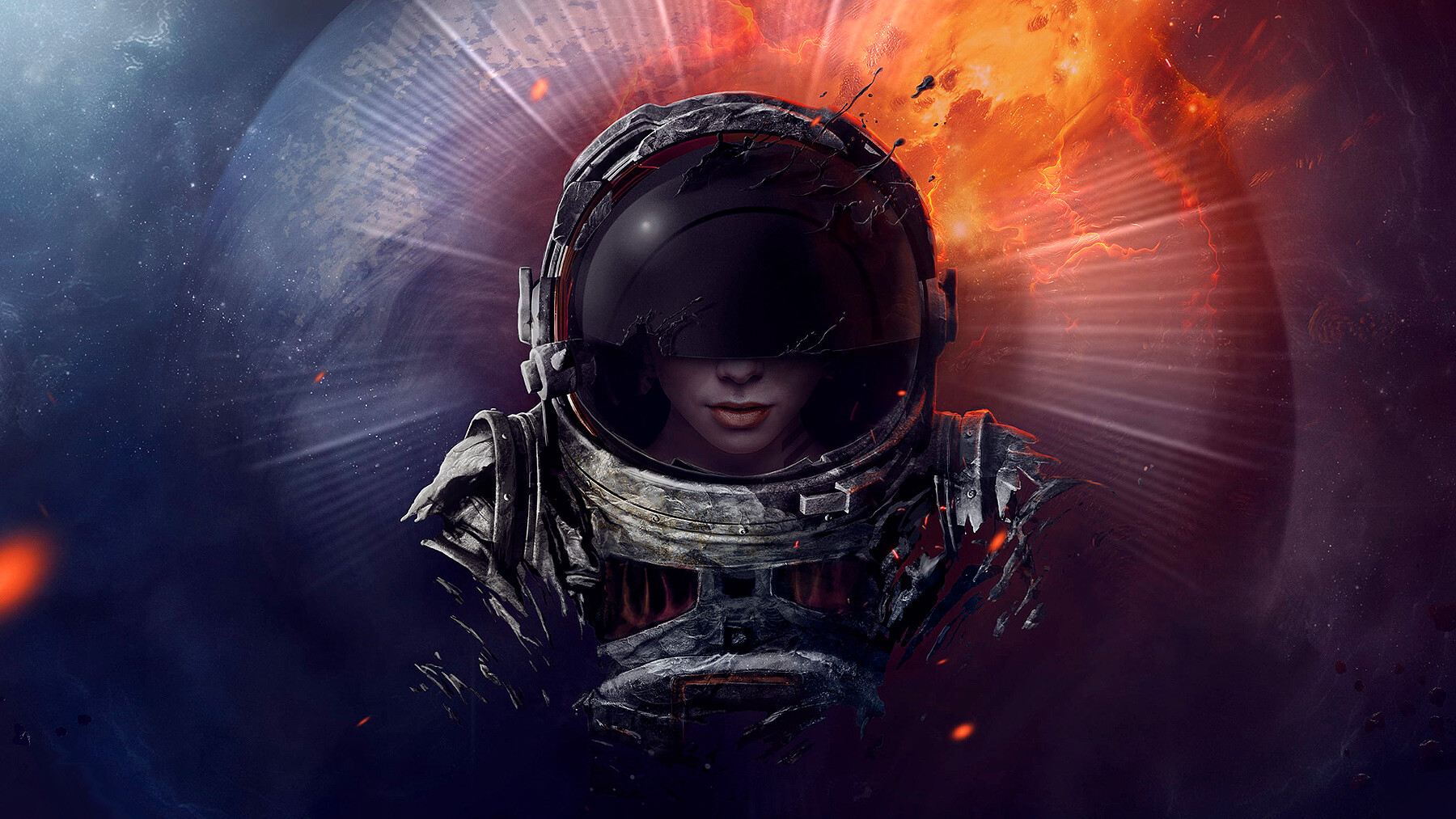
Introducing the ultimate Procreate Lights, Flares, and Fireworks brushes, the perfect tool for digital artists and photographers alike! With these brushes, you can easily add a touch of magic to your artwork and make your portraits and figures stand out. Whether you're creating a fantastical scene or simply enhancing your images with vibrant colors and dynamic lighting effects, these brushes are a must-have for anyone who wants to take their digital art to the next level. So why wait? Get your hands on the Procreate Lights, Flares, and Fireworks brushes today and let your creativity shine!
Features of this set:
Unique and Customizable: The Procreate Lights, Flares, Fireworks brushes are custom-made and cannot be found anywhere else. These brushes are designed to offer a unique, one-of-a-kind experience that you won't find with regular Procreate brushes.
High-Quality Effects: These brushes are designed to create high-quality lighting effects, flares, and fireworks that will give your artwork a professional look. Whether you're working on a portrait, figure, or a more complex scene, our brushes will help you achieve the desired effect.
User-Friendly: These brushes are designed to be user-friendly, making them perfect for both experienced digital artists and beginners. We understand the importance of having tools that are easy to use, and that's why I've made my brushes simple and intuitive.
Versatile: These brushes are versatile and can be used for a variety of purposes. Whether you're working on a digital painting, a graphic design project, or even a photo manipulation, my brushes can help you achieve the desired lighting effects.
Affordable: The Procreate Lights, Flares, Fireworks brushes are affordable and offer great value for your money. I believe that everyone should have access to high-quality digital art tools, and that's why I've made my brushes accessible to everyone.
How to install your premium Procreate brush sets:
- Download a selection of different brushes from Dioeye Store. Custom brushes are often available in the form of a .brush or .brushset file.
- Open Procreate and go to the Actions menu, located in the top-right corner of the screen.
- Tap on the "Import" option.
- Select the brush set file you just downloaded.
- The brush set will be imported into Procreate and will be available for use in the Brushes panel.
- To access the newly imported brushes, tap on the Brushes panel, located in the top-right corner of the screen.
- Tap on the brush set you just imported and select the brush you want to use.
If you still have questions, just send me a message to dioeye@gmail.com and I’m happy to help.