40+ Neon Procreate Brushes
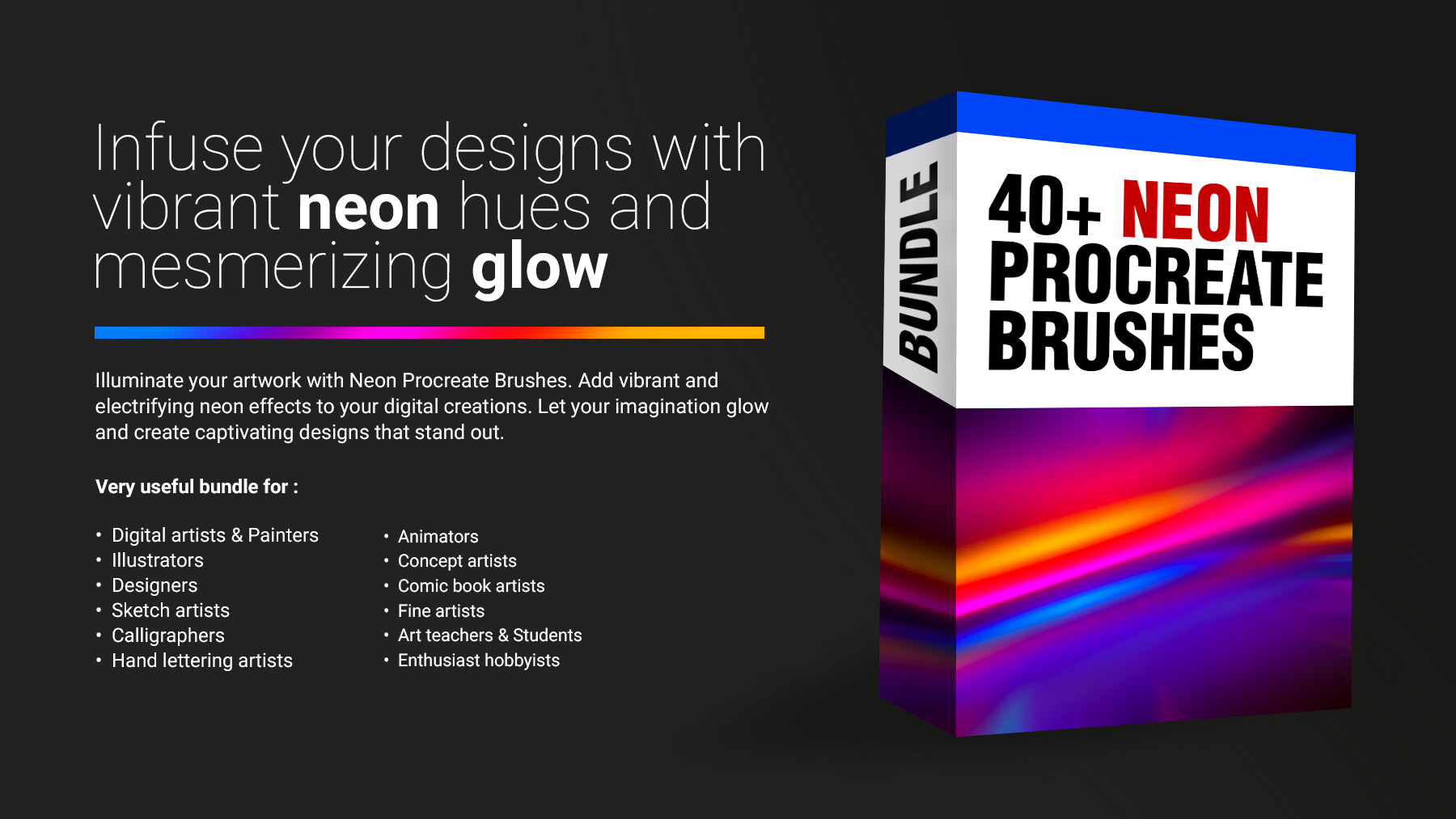


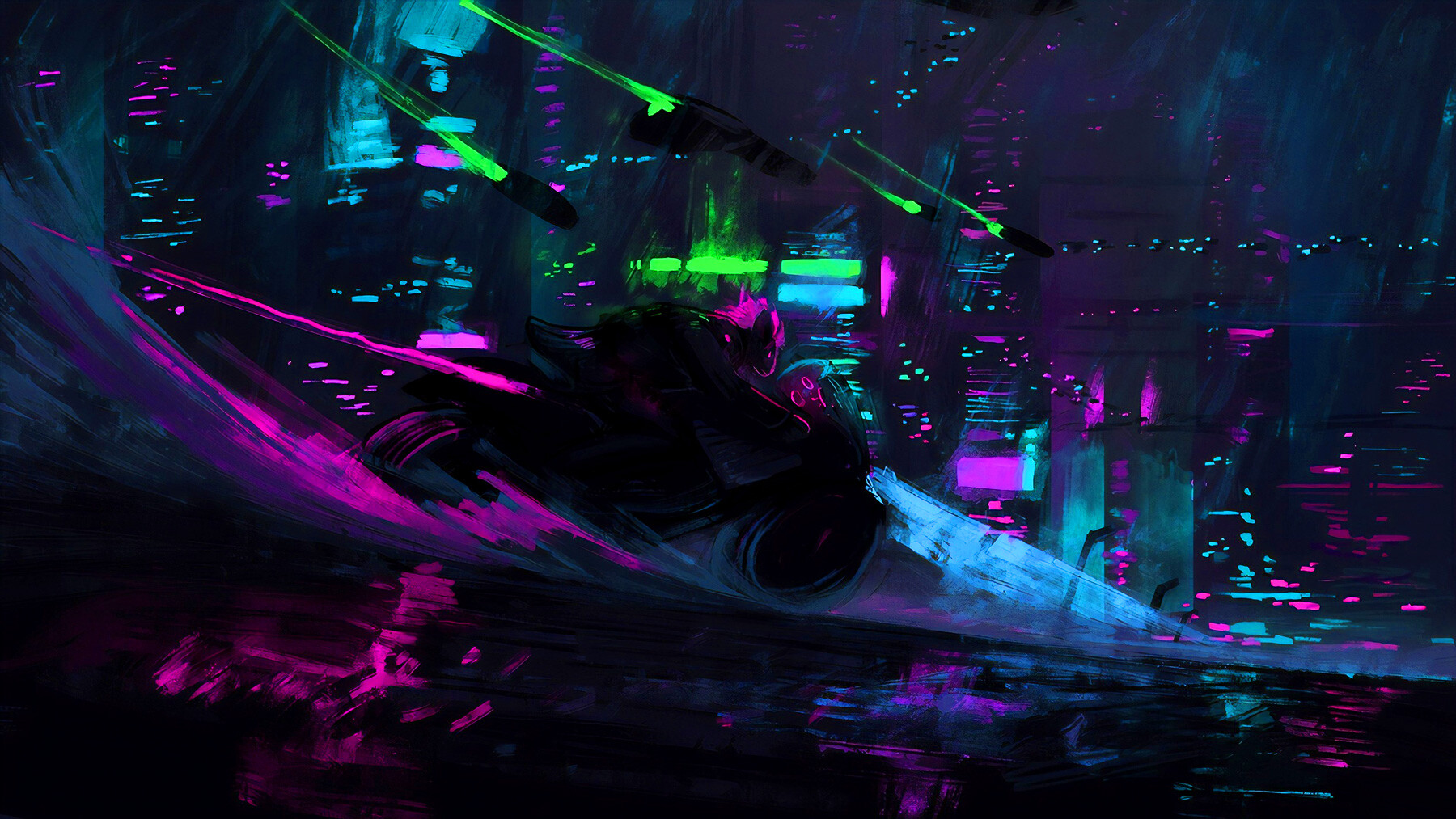


Introducing Neon Procreate Brushes, an electrifying collection designed to infuse your digital artwork with vibrant neon effects. Whether you're a digital artist, graphic designer, or illustrator, these brushes will take your creations to the next level, adding a striking and futuristic touch.
With this comprehensive set of brushes, you can effortlessly achieve stunning neon effects, replicating the mesmerizing glow and intensity of neon lights. From bold, glowing lines to vibrant gradients and flickering details, these brushes offer a wide range of options to create captivating compositions.
Each brush in the collection is meticulously crafted to provide a realistic and seamless neon effect. With precise control over brush size, opacity, and blending modes, you have the freedom to experiment and create unique neon designs that suit your artistic vision.
The Neon Procreate Brushes are versatile and easy to use, allowing you to apply neon effects to various elements in your artwork. Whether you want to add glowing text, electrifying accents, or vibrant backgrounds, these brushes are your go-to tools for achieving eye-catching and dynamic results.
Seamlessly integrated with the Procreate app, these brushes offer a user-friendly experience. Simply select the desired brush and start painting with neon brilliance. The brushes are optimized for smooth performance, ensuring a seamless creative process.
Expand your artistic horizons and make your artwork stand out with the Neon Procreate Brushes. Whether you're creating digital illustrations, poster designs, logo concepts, or social media graphics, these brushes will transform your creations into glowing masterpieces that catch the eye and leave a lasting impression.
Features of this set:
- Vibrant Neon Effects: The Neon Procreate Brushes offer a unique and extensive range of vibrant neon effects. From bold and glowing lines to dynamic gradients, these brushes allow you to infuse your artwork with eye-catching and electrifying neon colors.
- Realistic Glow and Shine: These brushes are designed to replicate the mesmerizing glow and shine of real neon lights. With precise brush settings, you can achieve a realistic and seamless neon effect, adding depth and dimension to your digital artwork.
- Customizable Options: Each brush in the collection provides customizable options such as size, opacity, and blending modes. This gives you the freedom to experiment and create unique neon designs that suit your artistic vision and style.
- Versatility and Easy Application: The Neon Procreate Brushes are versatile and easy to use, allowing you to apply neon effects to various elements in your artwork. Whether you want to add glowing text, electrifying accents, or vibrant backgrounds, these brushes make it effortless to create captivating and dynamic compositions.
- Seamless Integration with Procreate: These brushes seamlessly integrate with the Procreate app, providing a user-friendly experience. Simply select the desired brush and start painting with neon brilliance. The brushes are optimized for smooth performance, ensuring a seamless and enjoyable creative process.
With these unique features, the Neon Procreate Brushes empower digital artists to bring their artwork to life with stunning neon effects. Whether you're creating digital illustrations, poster designs, or social media graphics, these brushes offer a distinct and eye-catching element that sets your artwork apart.
How to install your premium Procreate brush sets:
- Download a selection of different brushes from Dioeye Store. Custom brushes are often available in the form of a .brush or .brushset file.
- Open Procreate and go to the Actions menu, located in the top-right corner of the screen.
- Tap on the "Import" option.
- Select the brush set file you just downloaded.
- The brush set will be imported into Procreate and will be available for use in the Brushes panel.
- To access the newly imported brushes, tap on the Brushes panel, located in the top-right corner of the screen.
- Tap on the brush set you just imported and select the brush you want to use.
Here is some related Products:
- 565+ Watercolor Procreate Brushes
- 60+ Crayon, Chalk, Pastel, Oil Procreate Brushes
- 200+ Graffiti Spray, Street Art Procreate Brushes
- 1025+ Geometry and Pattern Procreate Brushes
- 485+ Ink, Calligraphy & Marker Pen Procreate Brushes
- 950+ Textures Procreate Brushes
- 423+ Oil Paint Procreate Brushes
If you still have questions, just send me a message to dioeye@gmail.com and I’m happy to help.