100+ Cloud Photoshop Brushes
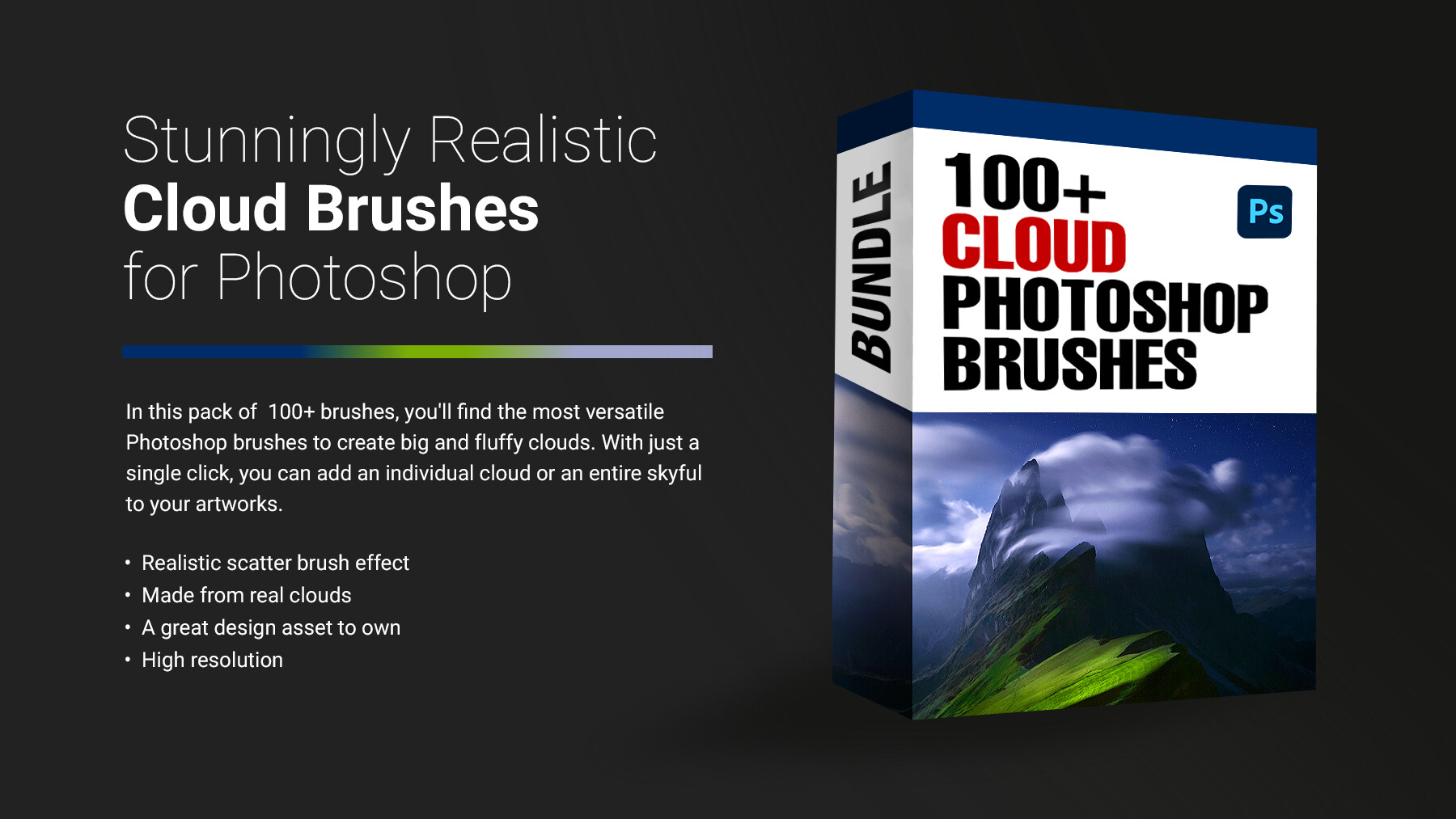
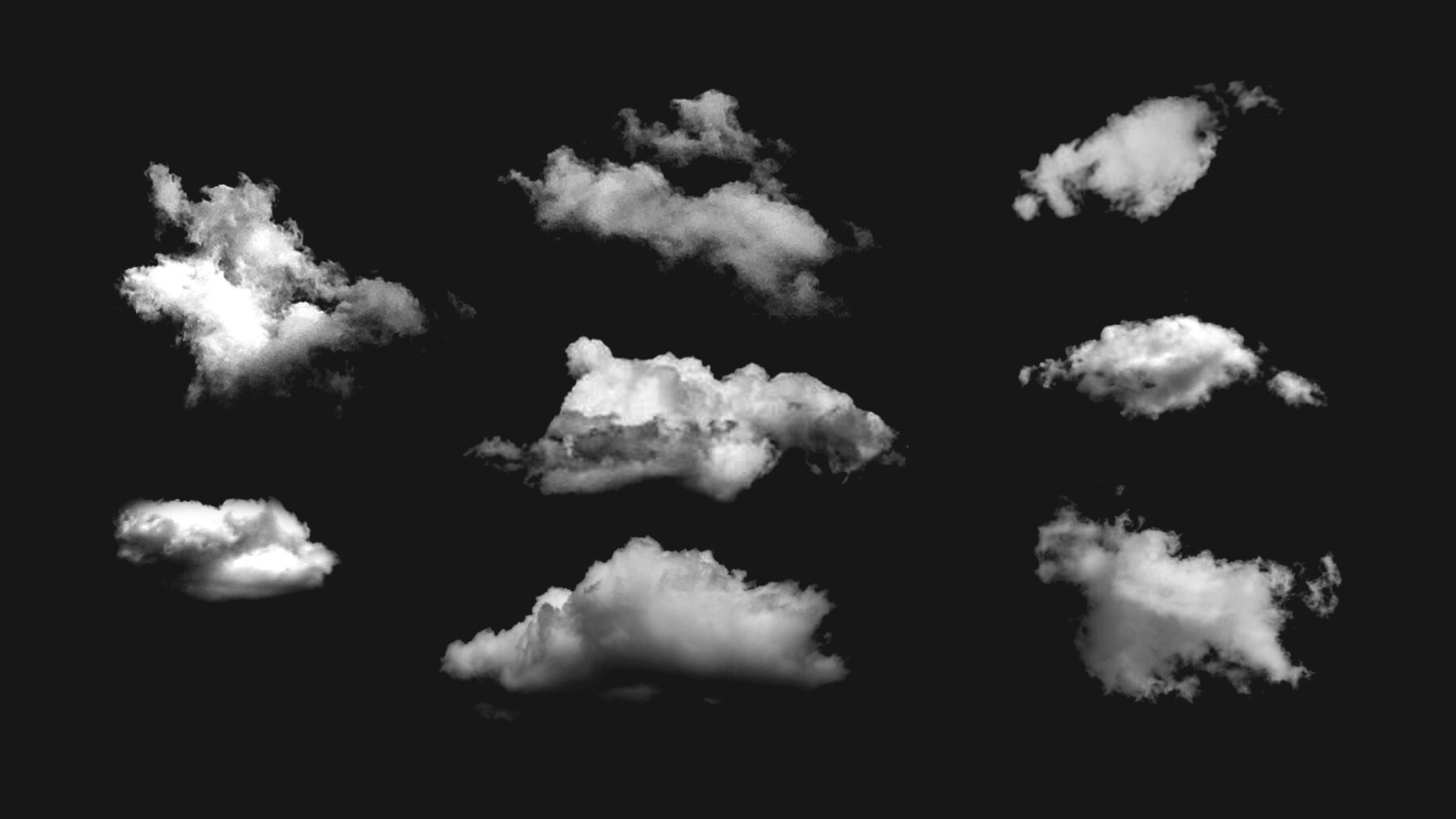
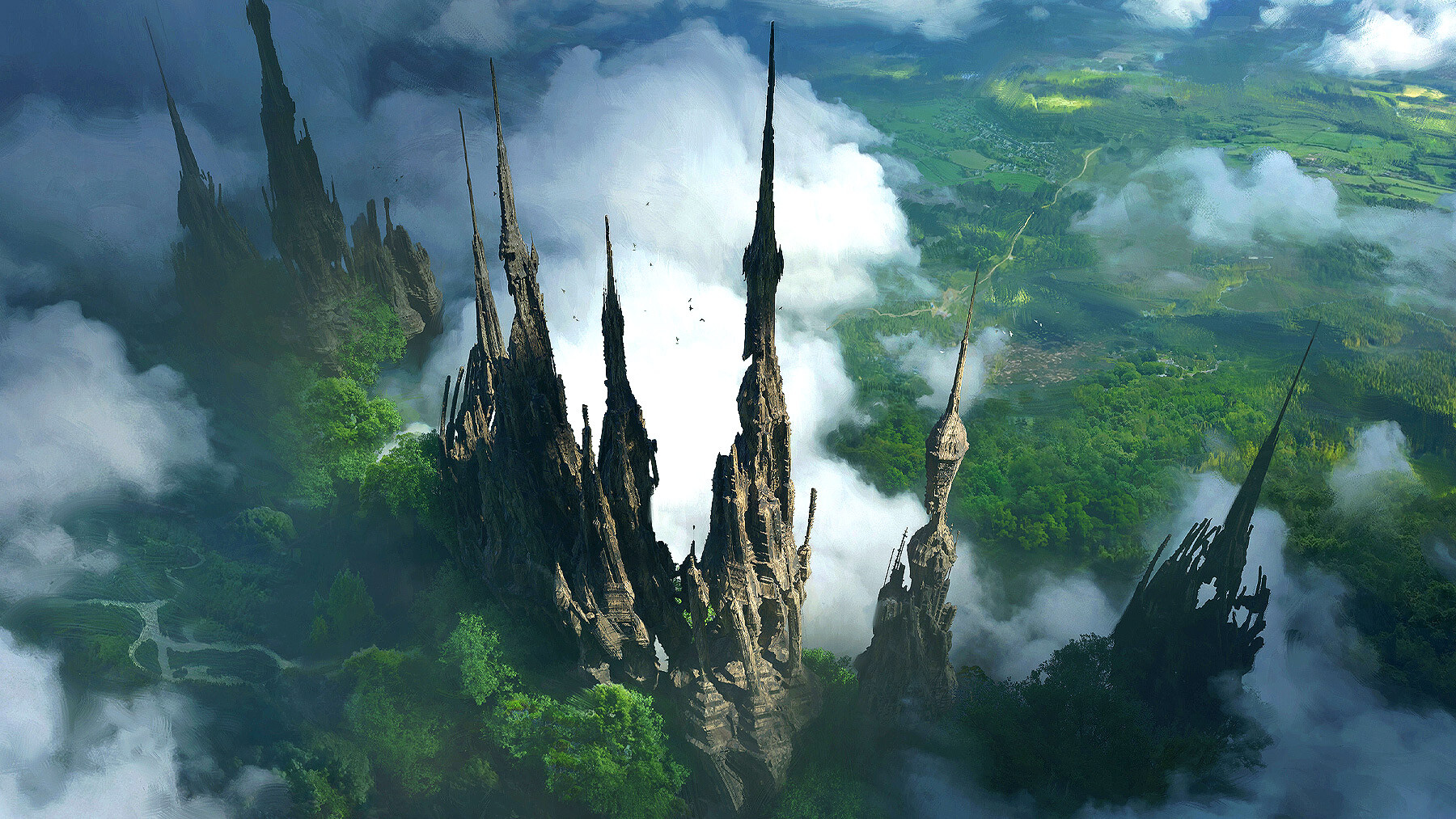
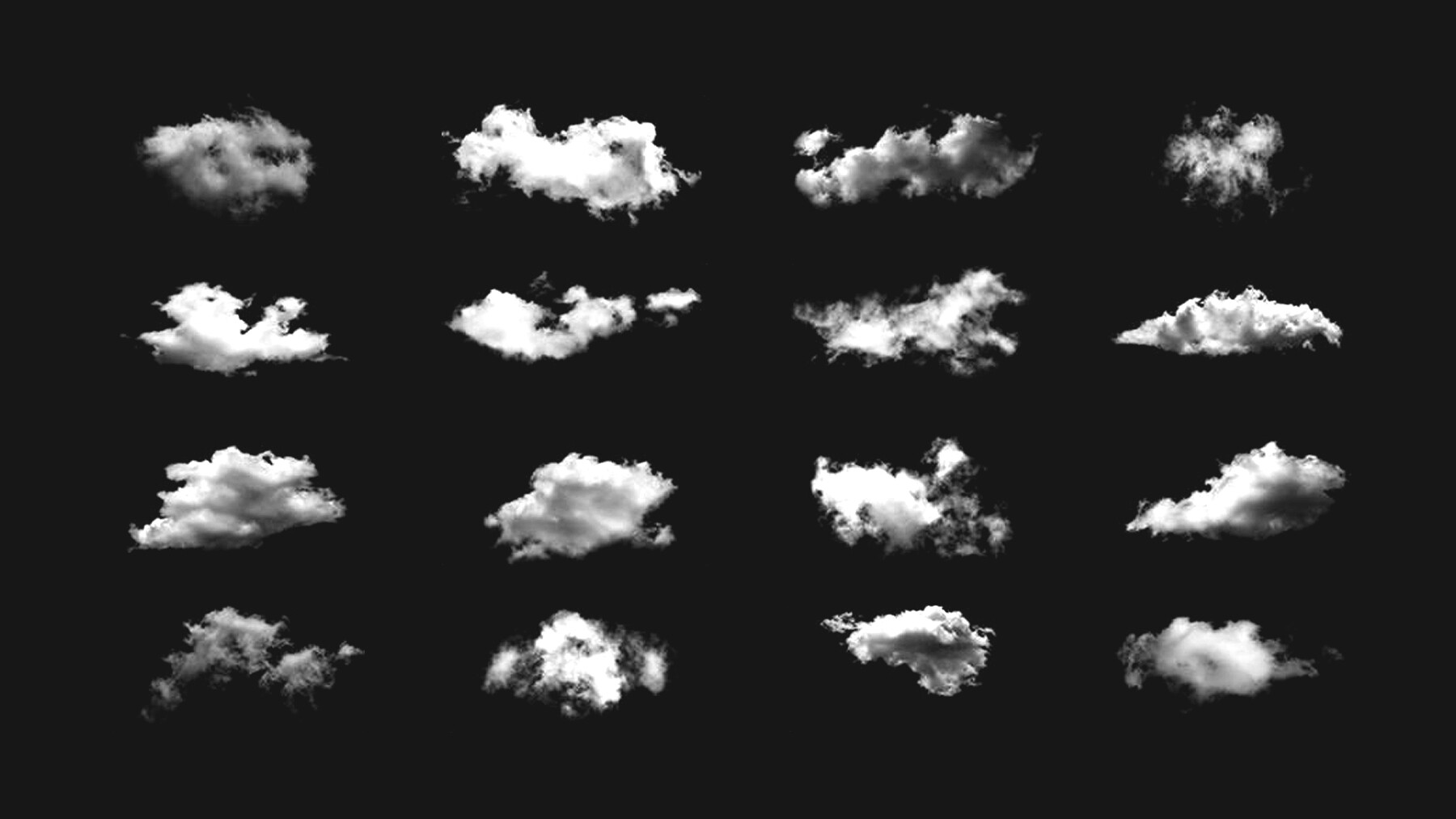
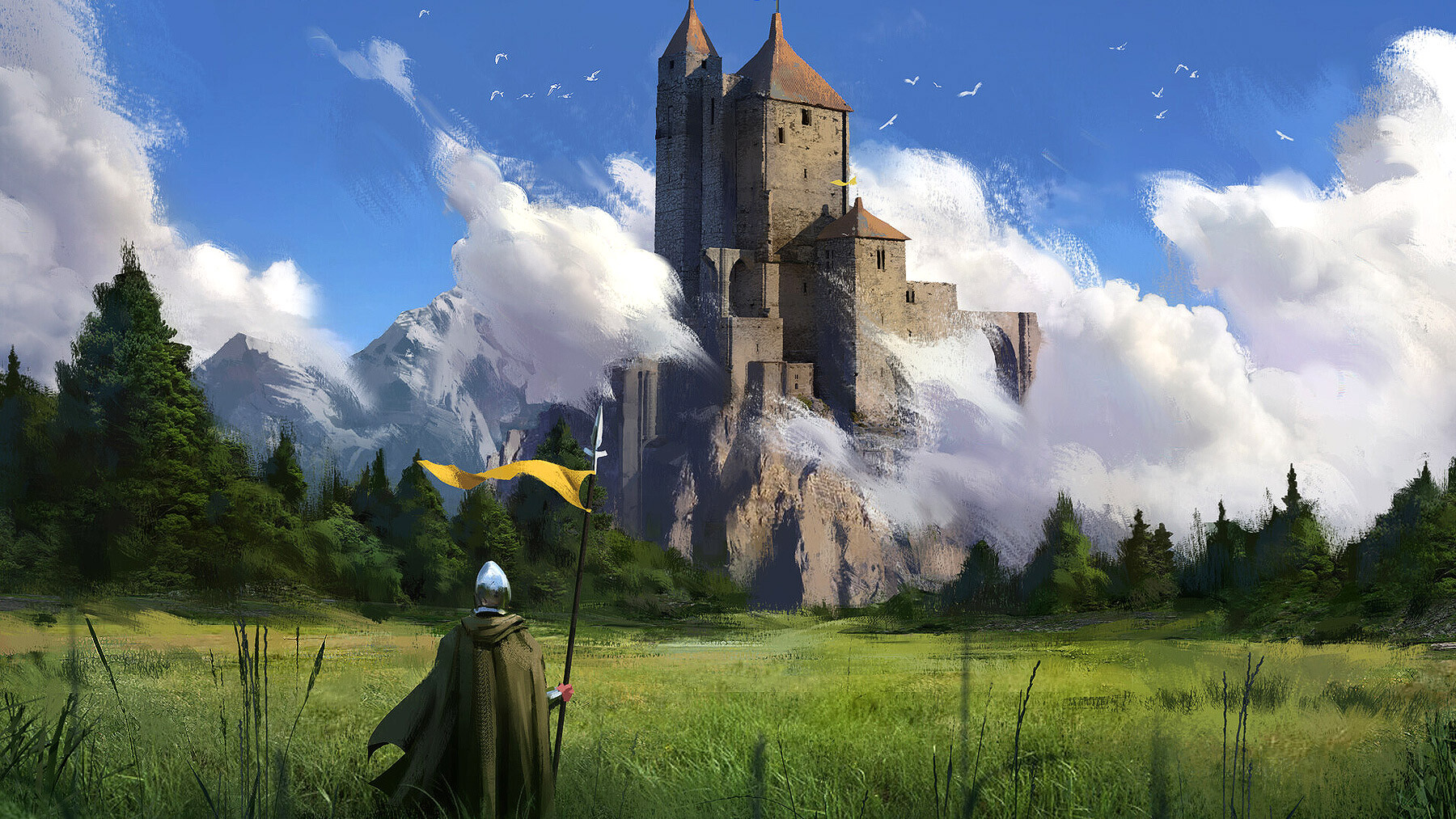
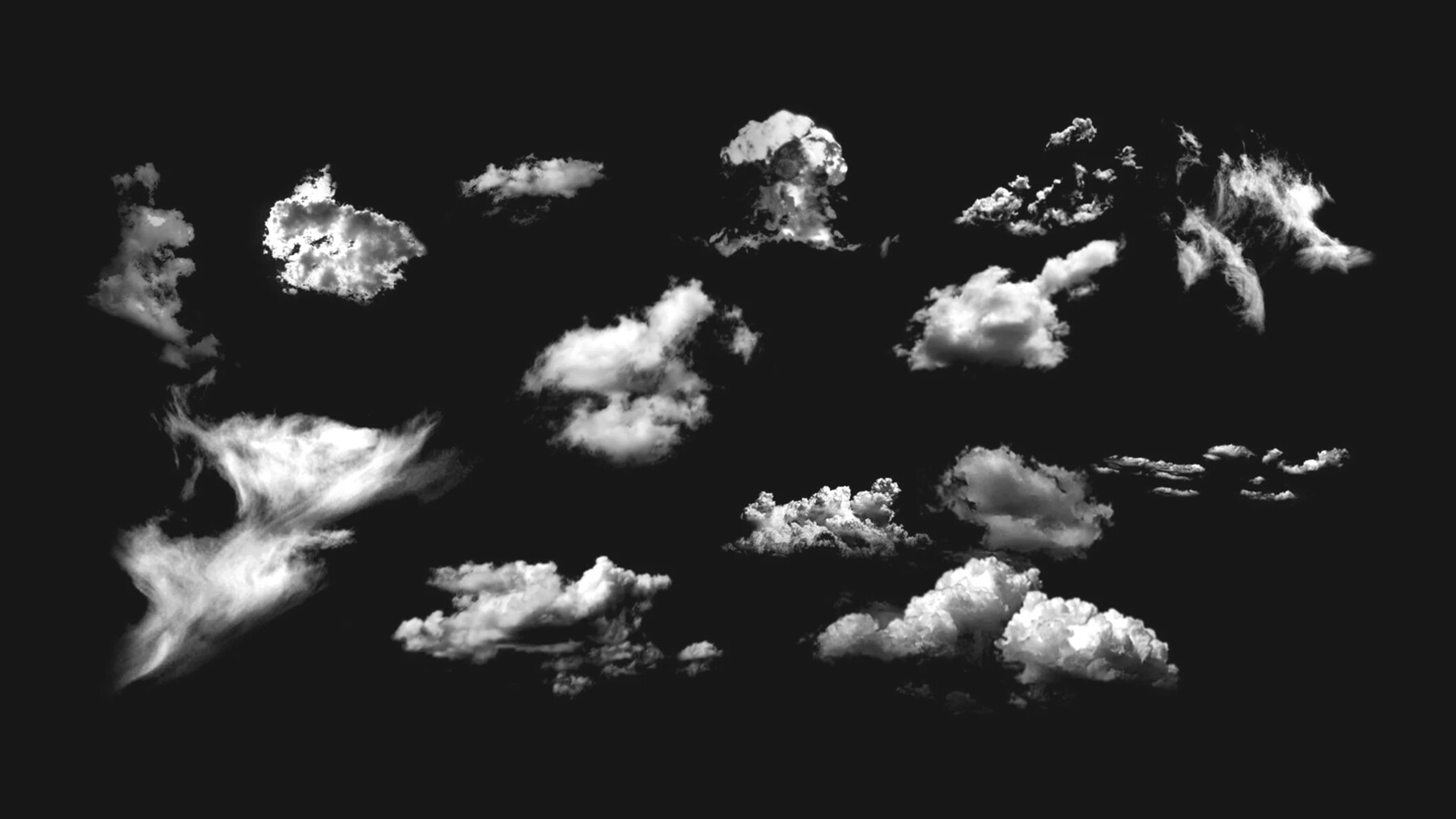

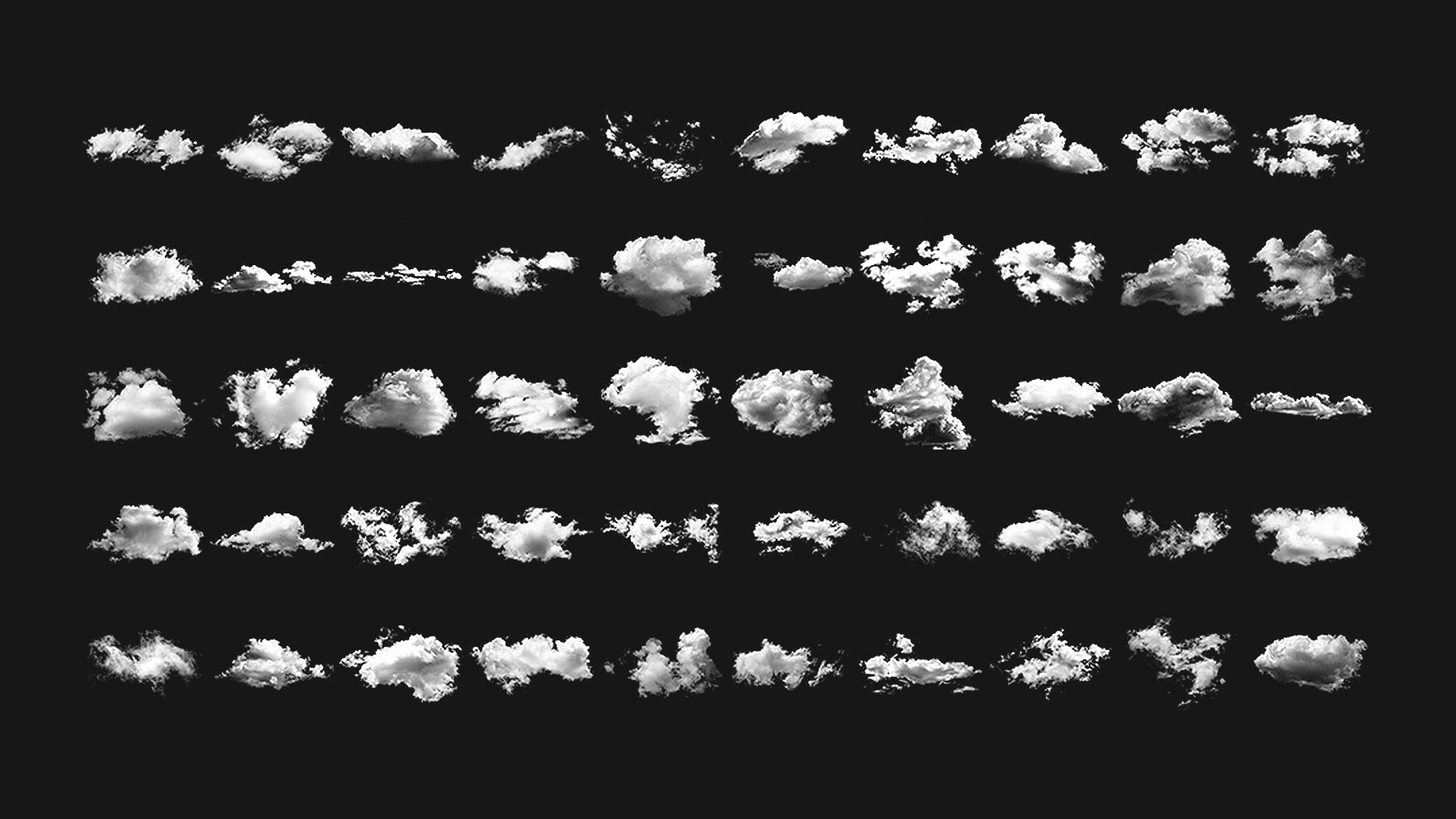

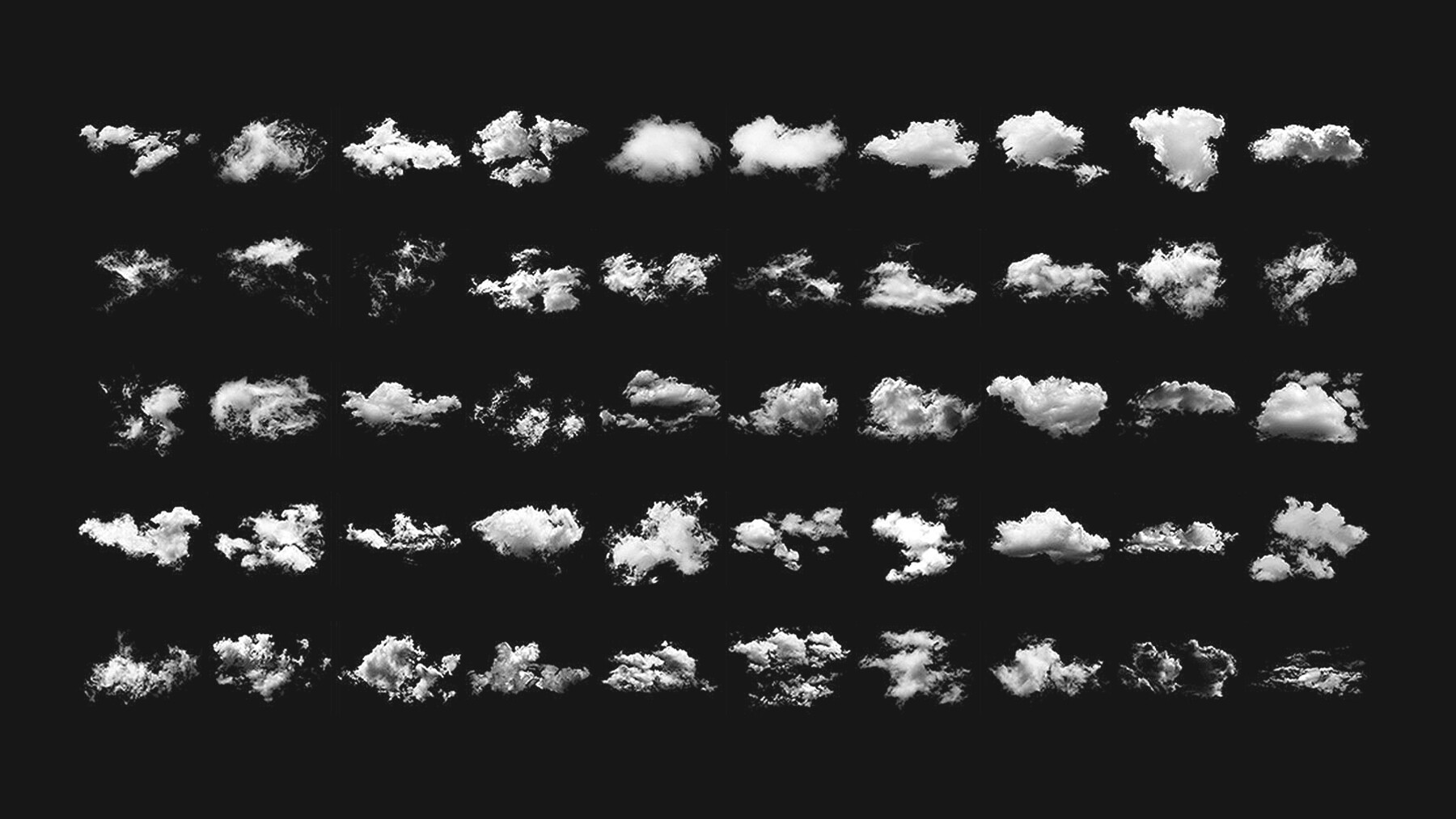

Enhance the beauty and elegance of the design project that you are working on and that too with great ease by bringing my stunning Cloud Brushes into play. With the help of these brushes, you would be able to add a realistic and a natural-looking cloud effect to your projects thereby making them look even more pleasing to these.
These Brushes are 100% hand made and will give realistic result to your projects. I made them with Photoshop CC so they will work great with Photoshop CC and also they should work fine with CS6. I create these brushes for photo editing purpose but they will work for almost any design projects. Perfect for photography, digital painting, textures, backgrounds, posters etc.
How to install your high-quality photoshop brush sets:
- Download it: Download a selection of different brushes from Dioeye Store.
- Open it: Launch Photoshop and open the Window menu. Find the Brushes panel, open it, and click the hamburger menu to the right.
- Import it: Select Import Brushes.
- Open it: Select the ABR file for the brush pack you want to use and click Load.
- Use it: Your new realistic cloud brushes will be available in the Brushes window.
Here is some related Products:
-
150+ Cosmic Photoshop Brushes
-
165+ Graffiti Photoshop Brushes
-
121+ Charcoal Photoshop Brushes
-
328+ Ink Photoshop Brushes
- 111+ Lens Flares Photoshop Brushes
- 140+ Fog & Mist Photoshop Brushes
-
100+ Oil & Acrylic Art Brushes
-
285+ Watercolor Photoshop Brushes
-
125+ Weather Photoshop Brushes
-
160+ Foliage & Grass Photoshop Brushes
- 100+ Realistic Photoshop Pencil Brushes
- 1000+ Premium Photoshop Brushes
If you still have questions, just send me a message to dioeye@gmail.com and I’m happy to help.